Buying & Selling Guides How Much Is My Used Device Worth? See what your used device is worth by reading completed sold prices and matching comps on model, storage, condition, carrier lock and battery health.
Buying & Selling Guides Used Tech Resale Value: The Complete Pricing Guide What sets used tech resale value: condition, model, storage, age and demand. See how fast devices depreciate, when to sell, and which brands hold value.
Buying & Selling Guides How to Wipe Your Device Before Selling Wipe your phone, tablet, laptop or console before selling: back up your data, sign out of iCloud, Google and other accounts, then factory reset.
Buying & Selling Guides How to Sell Used Electronics: The Complete Guide Selling used electronics comes down to five steps: wipe the device, price it from real sales, take honest photos, write the listing and get paid safely.
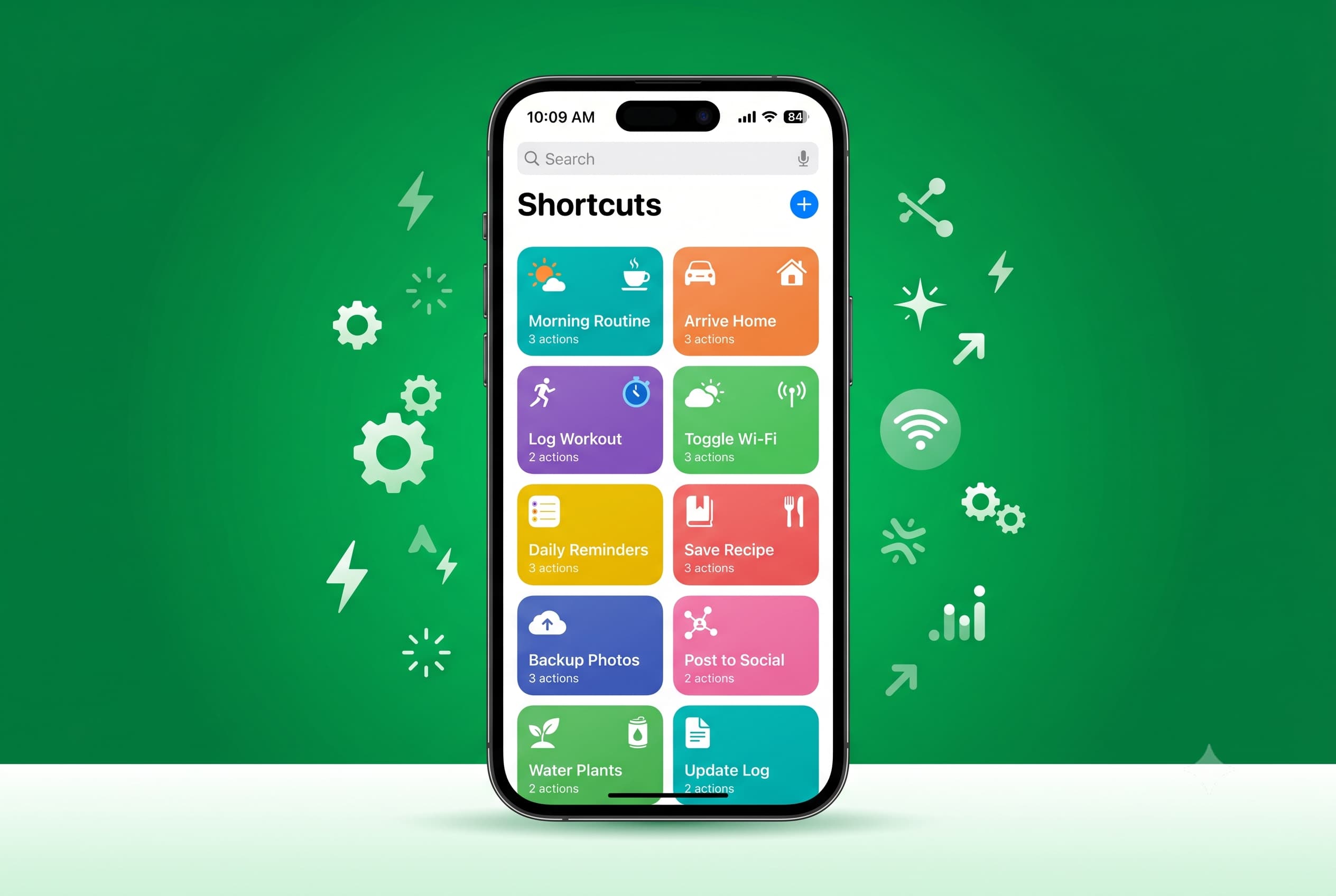
Phones Top 10 iOS Shortcuts to Automate Your iPhone Ten iOS Shortcuts to automate your iPhone without coding, from low-battery texts and driving auto-replies to screenshot cleanup and NFC tag triggers.
Monthly Report The top ten best-selling computers on Swappa in May 2026 The 13-inch 2020 MacBook Air was the best-selling computer on Swappa in May 2026. See the full top ten MacBook Pro, MacBook Air and Mac mini list.
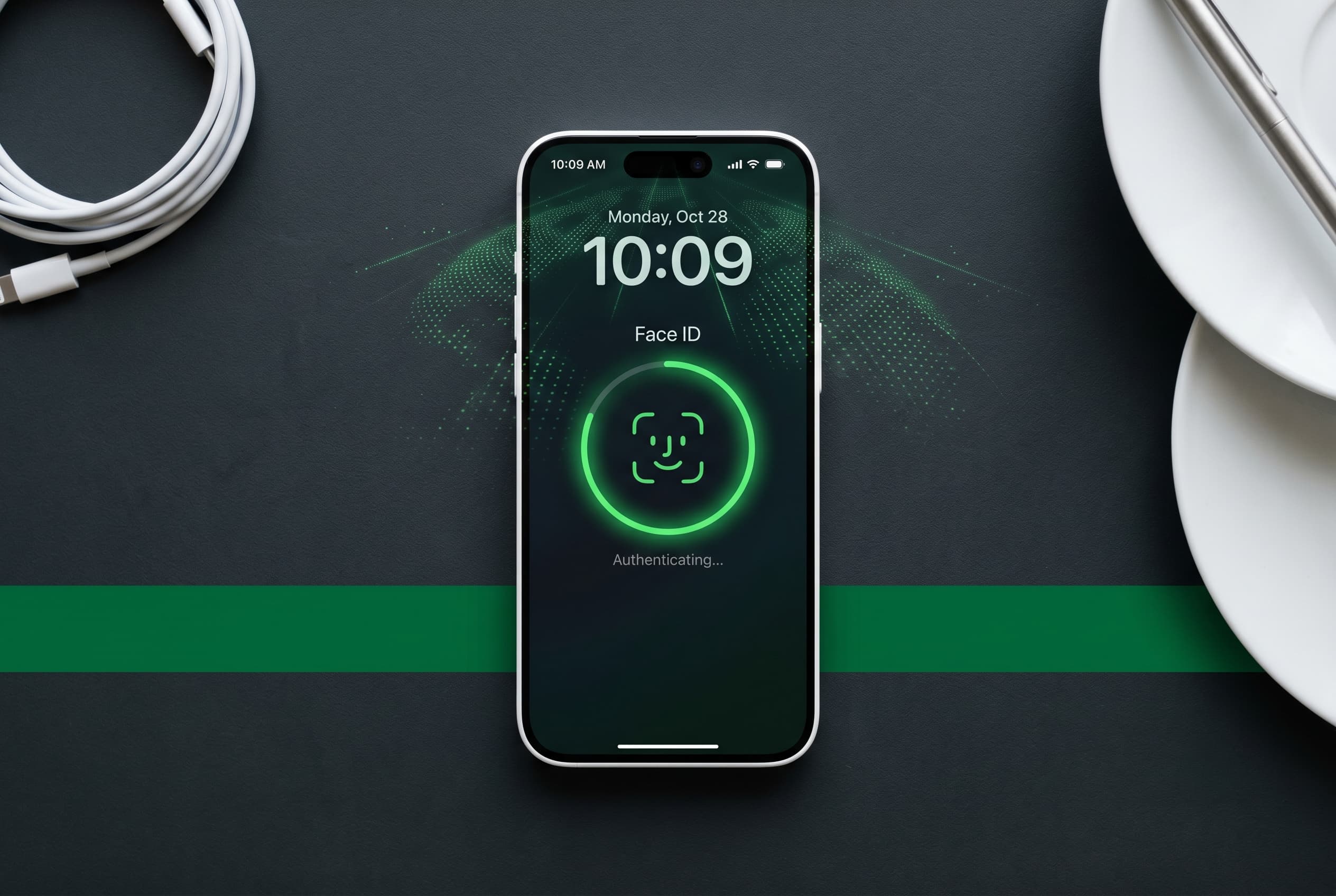
Phones iPhone Face ID: How It Works and Tips to Use It Better How iPhone Face ID works, which iPhones have it from the iPhone X to the iPhone 18 Pro, why the iPhone Duo uses Touch ID, and tips to use it better.
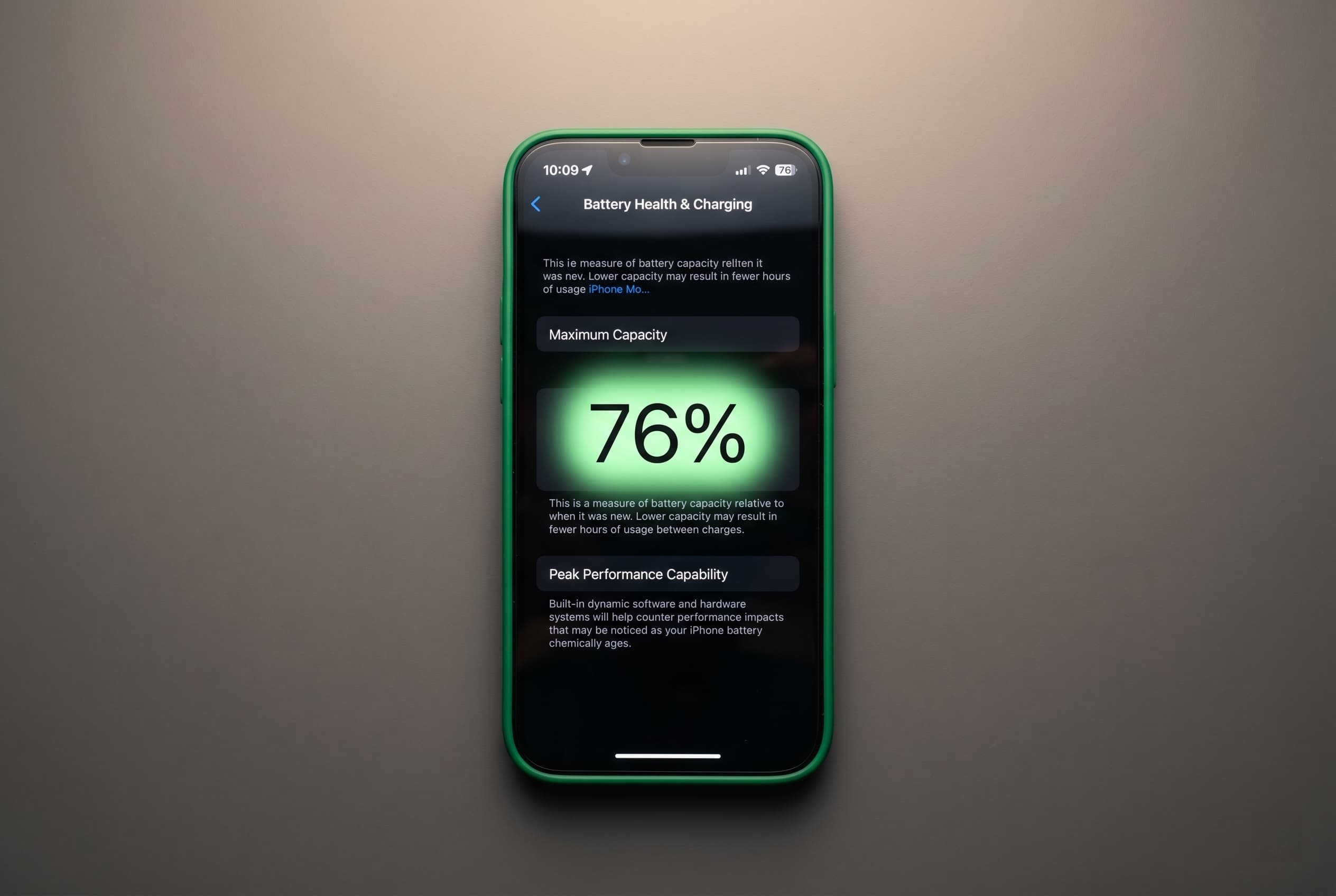
Phones iPhone Battery Health Below 80%: Replace Before Selling? iPhone battery health below 80%: compare the cost of a new battery with the hit to your resale price, model by model, and learn how to disclose it.
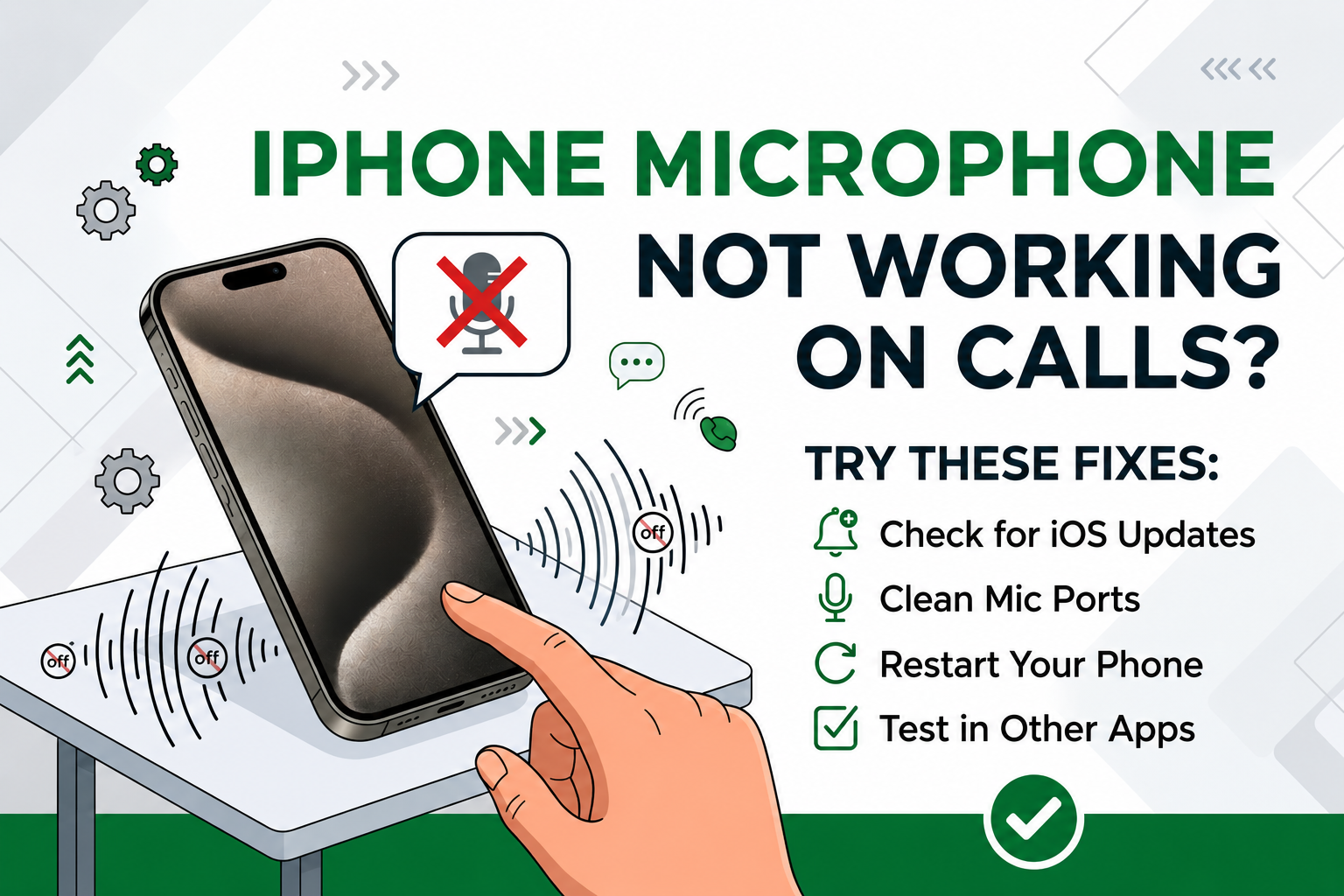
Phone Troubleshooting iPhone Microphone Not Working on Calls? Try These Fixes Nobody can hear you on calls? Test each iPhone microphone, clear the openings, rule out Bluetooth and Mic Mode, and learn when the mic needs service.
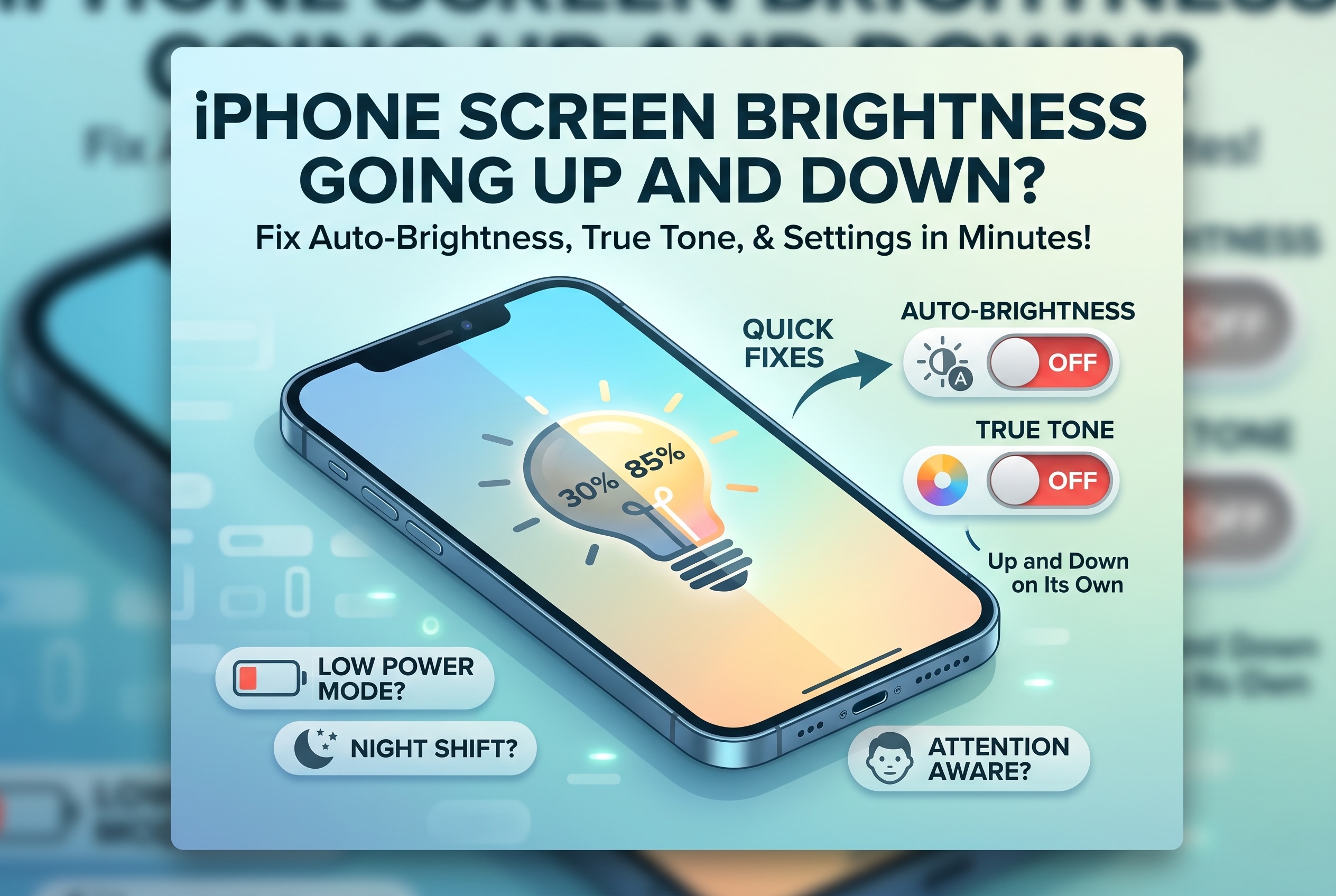
Phone Troubleshooting iPhone Screen Brightness Going Up and Down on Its Own? iPhone brightness going up and down on its own? It's usually a setting. Here's how to turn off Auto-Brightness, True Tone, and Attention Aware Features.