Phone Troubleshooting How to Maximize the Battery Life of Your Google Pixel Maximize your Google Pixel battery life with proven tips on charging habits, screen settings, Adaptive Battery, and app management to extend every charge.
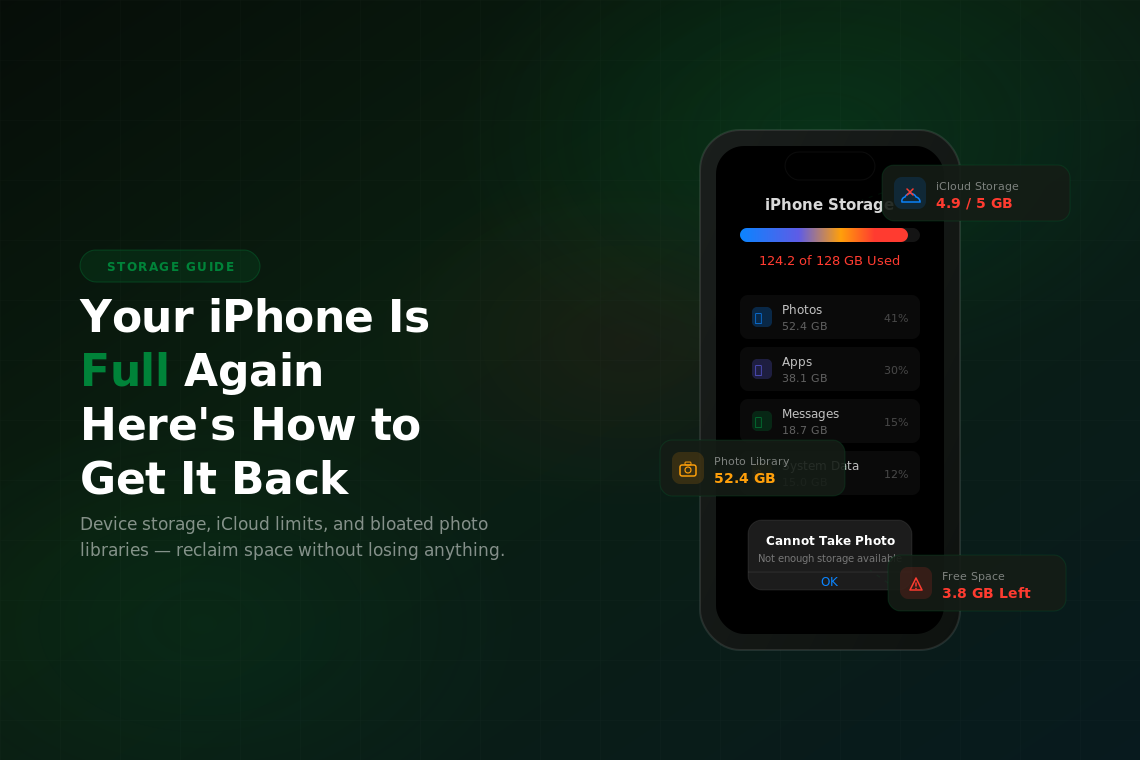
Phone Troubleshooting Your iPhone Is Full Again: How to Get That Storage Back Get your iPhone storage back: see what is eating space, offload unused apps, optimize photos, trim Messages and clear old iCloud backups.
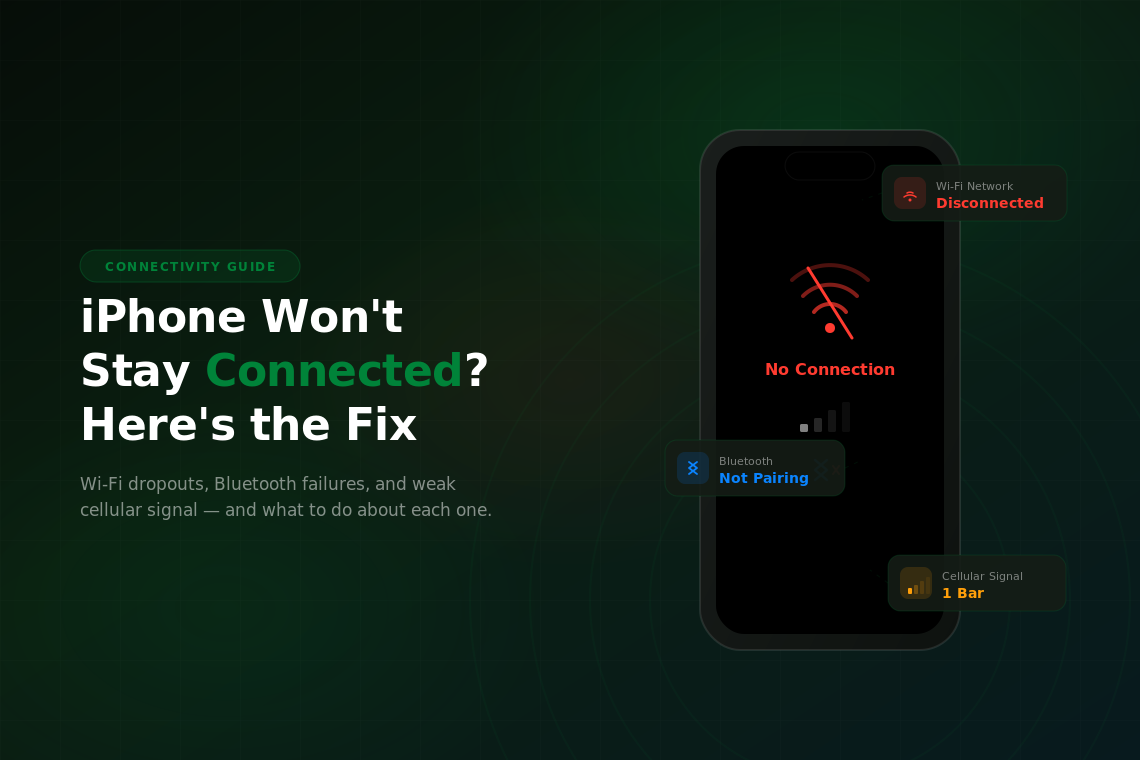
Phone Troubleshooting iPhone Won’t Stay Connected? Fix Wi-Fi, Bluetooth, Cellular Stop iPhone Wi-Fi, Bluetooth and cellular drops with fixes in the right order, from restarts and toggles to AirPods resets and Reset Network Settings.
Phone Troubleshooting Common iPhone Problems and How to Fix Them Find the fix for common iPhone problems, from charging and overheating to Face ID, and learn to tell a software glitch from a hardware fault.
Phone Troubleshooting iPhone Sound Not Working? Speaker Fixes That Help No sound from your iPhone speaker on calls, videos, or music? It is usually a setting, debris, or a Bluetooth mix-up. Here are the fixes.
Phone Troubleshooting iPhone Frozen or Unresponsive? Force Restart Fixes iPhone frozen or not responding to touch? Here's the force restart button sequence for every model, plus what to do if it keeps freezing after that.
Phone Troubleshooting Face ID Not Working? How to Fix It Fix Face ID on your iPhone: clean the TrueDepth camera, reset Face ID, update iOS, and learn what error messages and screen repairs mean.
Phone Troubleshooting iPhone Water Damage: What to Do (and Not Do) Got your iPhone wet? Power it off, skip the rice and let it dry. Learn to read the liquid contact indicator and recover your data if it won't turn on.
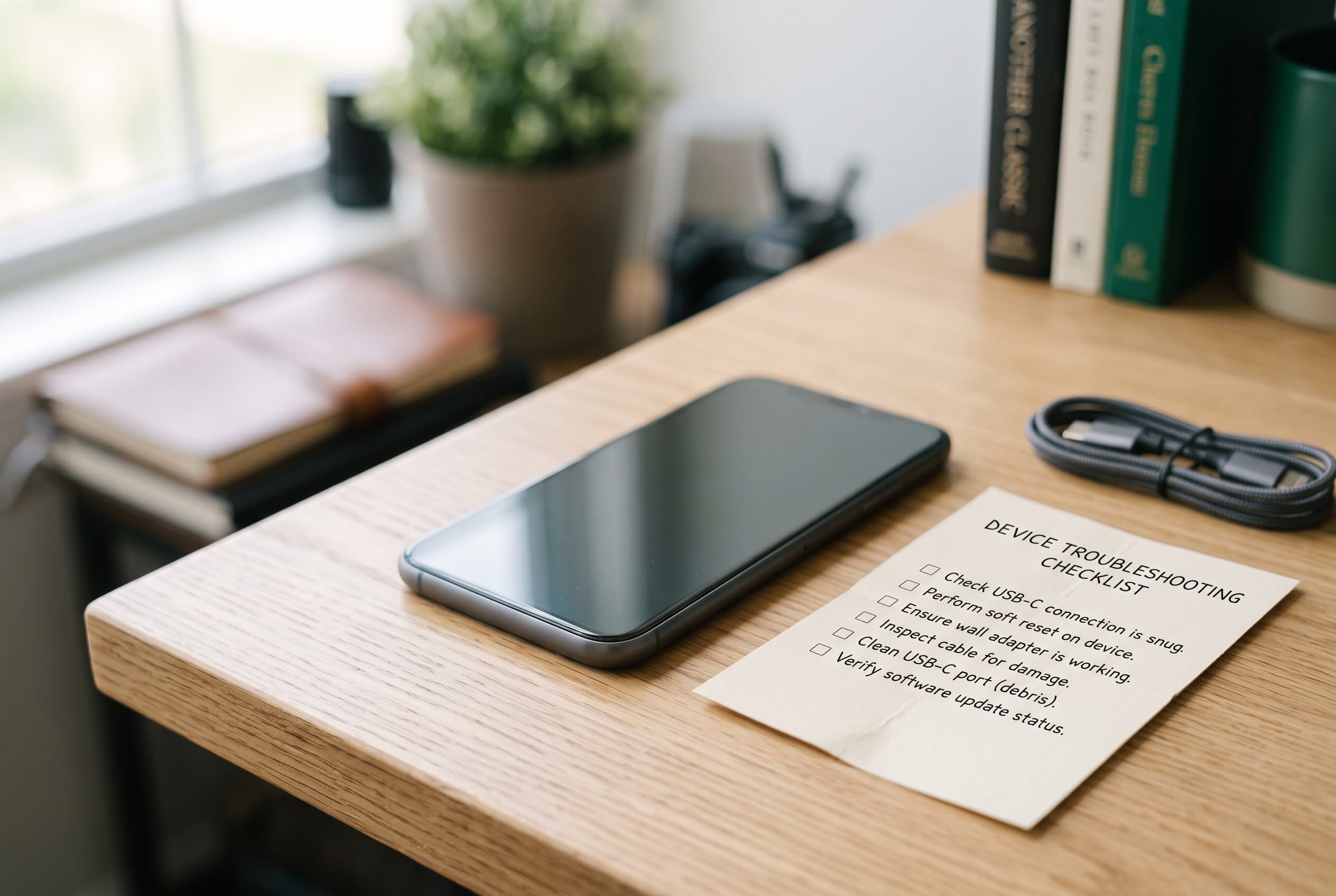
Phone Troubleshooting iPhone Won’t Charge? Here’s How to Fix It iPhone not charging? It's usually the cable, lint in the port, or a software hang, not a dead phone. Try these fixes in order before you pay for a repair.
Phone Troubleshooting iPhone Won’t Turn On? Black Screen Fixes That Work iPhone won't turn on or stuck on a black screen? Try a force restart, charging checks and recovery mode, then see when it's the battery or logic board.