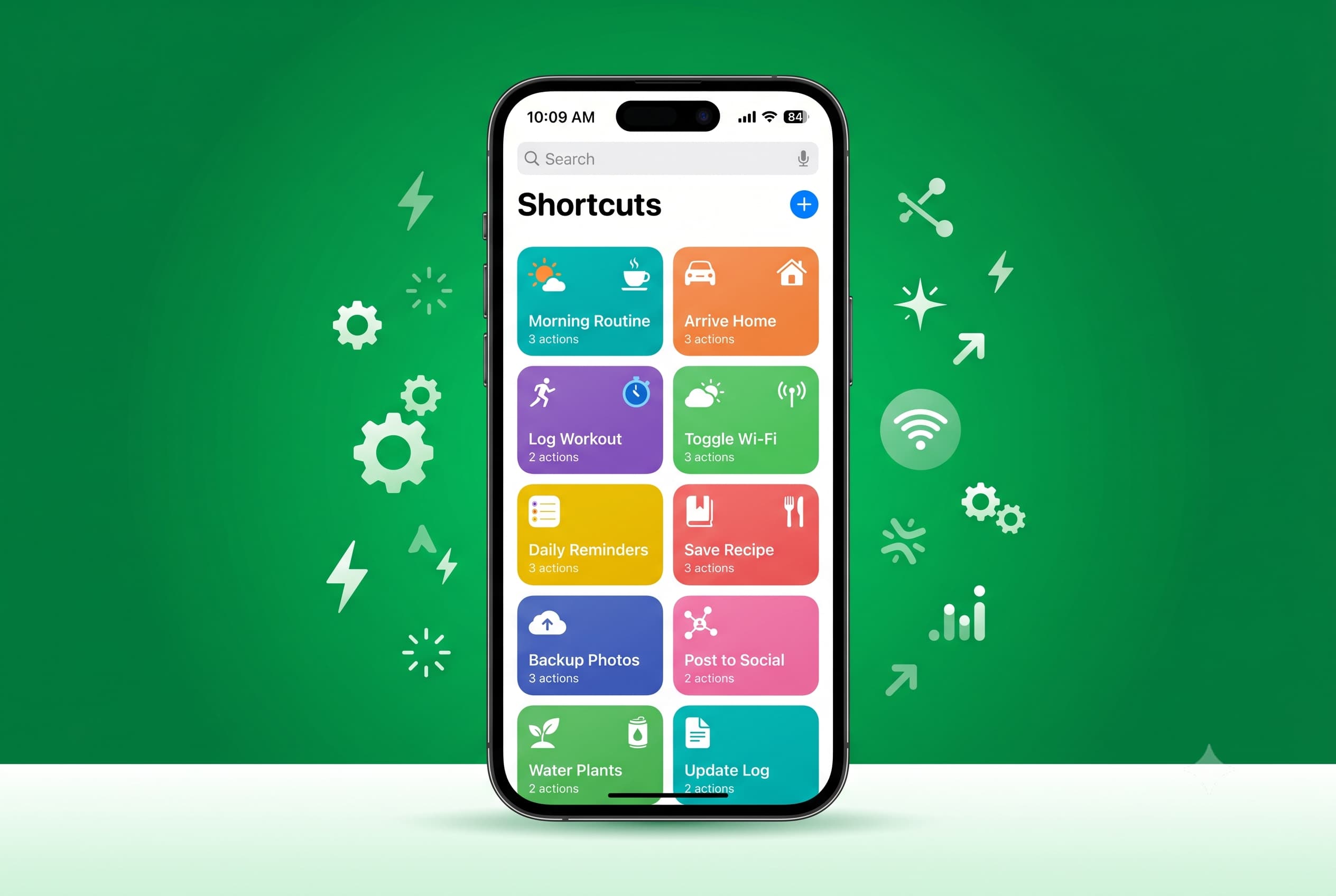
Apple Top 10 iOS Shortcuts to Automate Your iPhone The iOS Shortcuts app is one of the most underused tools on any iPhone. These 10 automations save real time, cut out repetitive taps, and make your phone work smarter — whether you just picked up a used iPhone on Swappa or have had yours for years. No coding required.
Apple iPhone Face ID: What It Is, How It Works, and Tips to Use It Better iPhone Face ID is Apple's biometric face-recognition system, first introduced on the iPhone X in 2017 and now standard across the entire iPhone lineup. This guide covers how Face ID works, every iPhone model that supports it, the most common problems users run into, and practical tips to get the most out of it. Whether you're troubleshooting a unlock failure or shopping for a used iPhone, here's what you need to know.
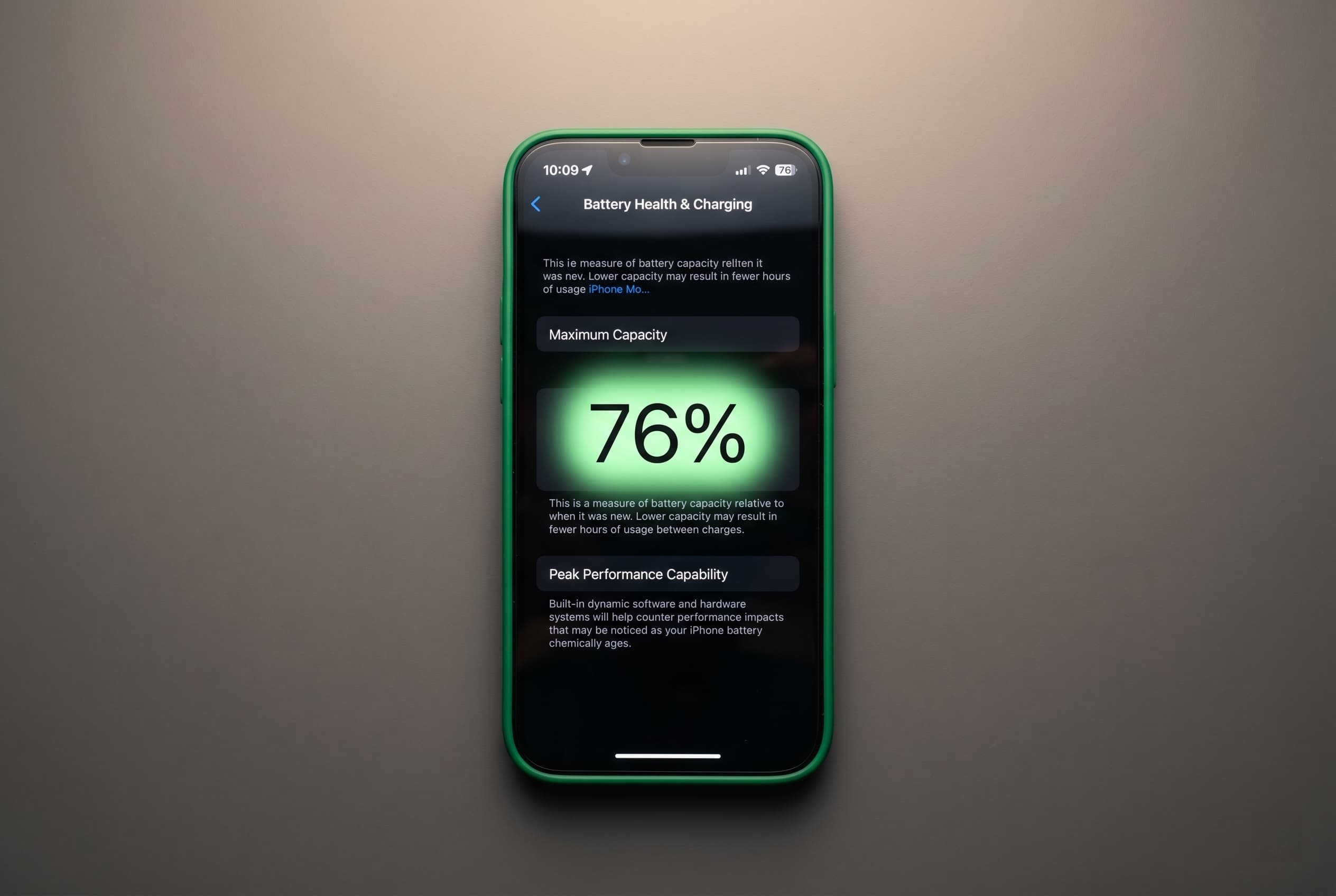
Apple iPhone Battery Health Below 80%: What It Costs, What It’s Worth, When to Replace Before Selling Your iPhone battery health number has a direct dollar value on the used market. This guide breaks down exactly when paying $89 to $99 for a fresh battery before listing on Swappa earns you $150 to $200 more, and when transparent disclosure plus a price adjustment is the smarter play. Includes model-by-model math and Swappa's disclosure rules.
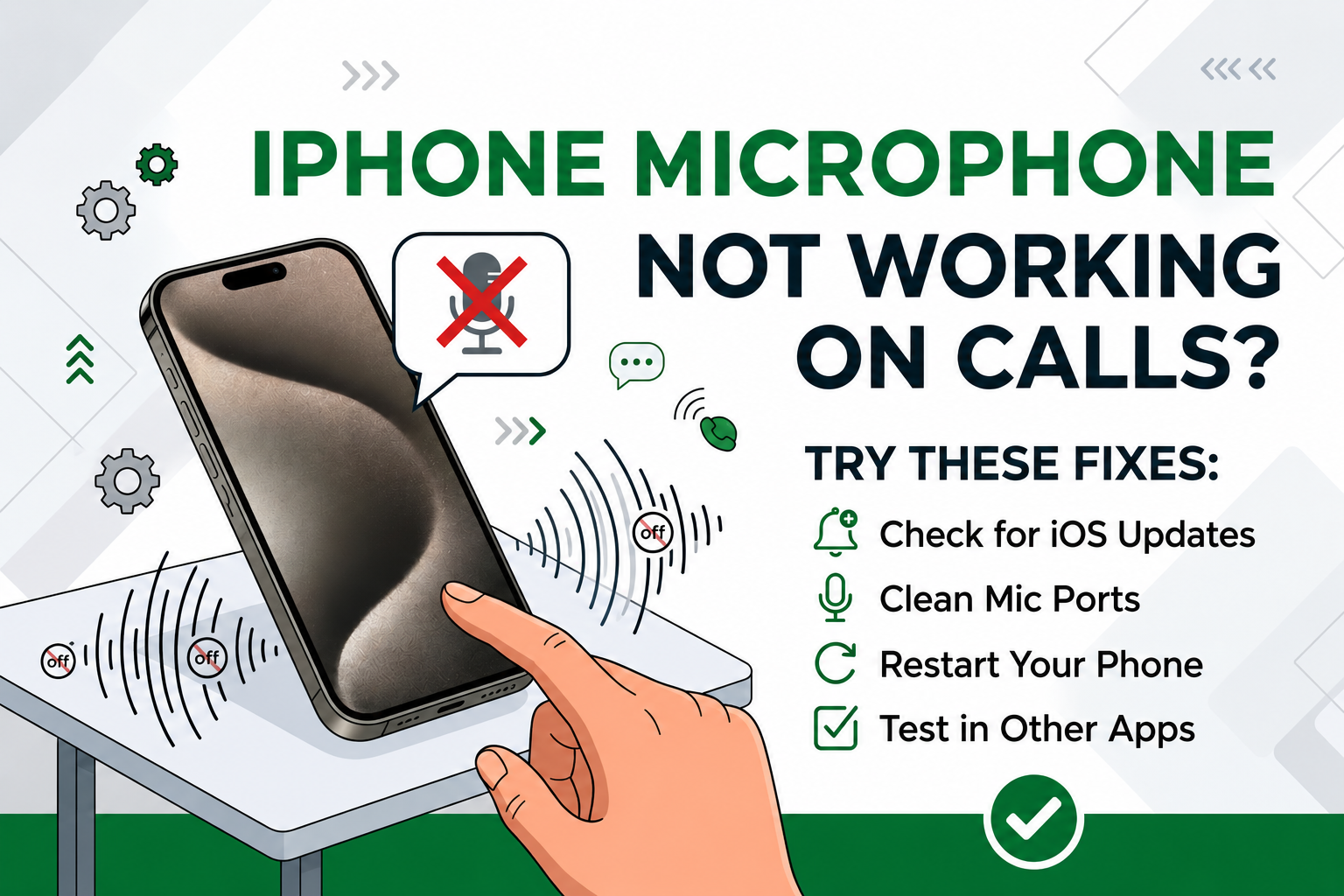
Apple iPhone Microphone Not Working on Calls? Try These Fixes Nobody can hear you on calls, your voice is cutting out, or the mic is just silent? iPhone microphone problems are almost always a blocked mic, a Bluetooth audio mix-up, or a stuck app permission — not a dead phone. Here's the 60-second Voice Memos test that tells you which one, plus the fixes that actually work.
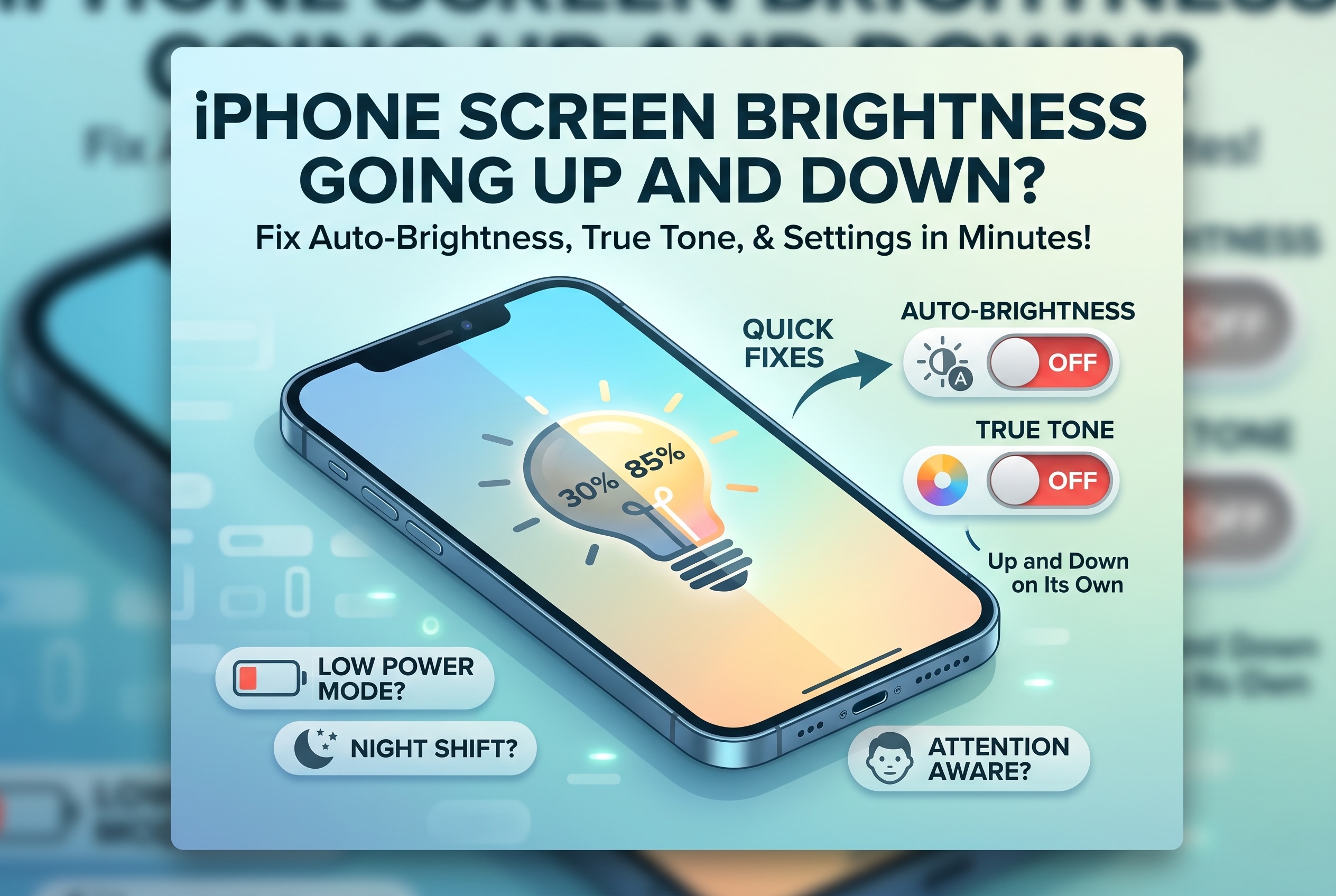
Apple iPhone Screen Brightness Going Up and Down on Its Own? Is your iPhone screen brightness going up and down on its own? It's almost always a software setting — not a broken display. This quick guide walks you through turning off Auto-Brightness, True Tone, and Attention Aware Features, plus Low Power Mode and Night Shift checks, so your iPhone screen stays exactly where you set it.
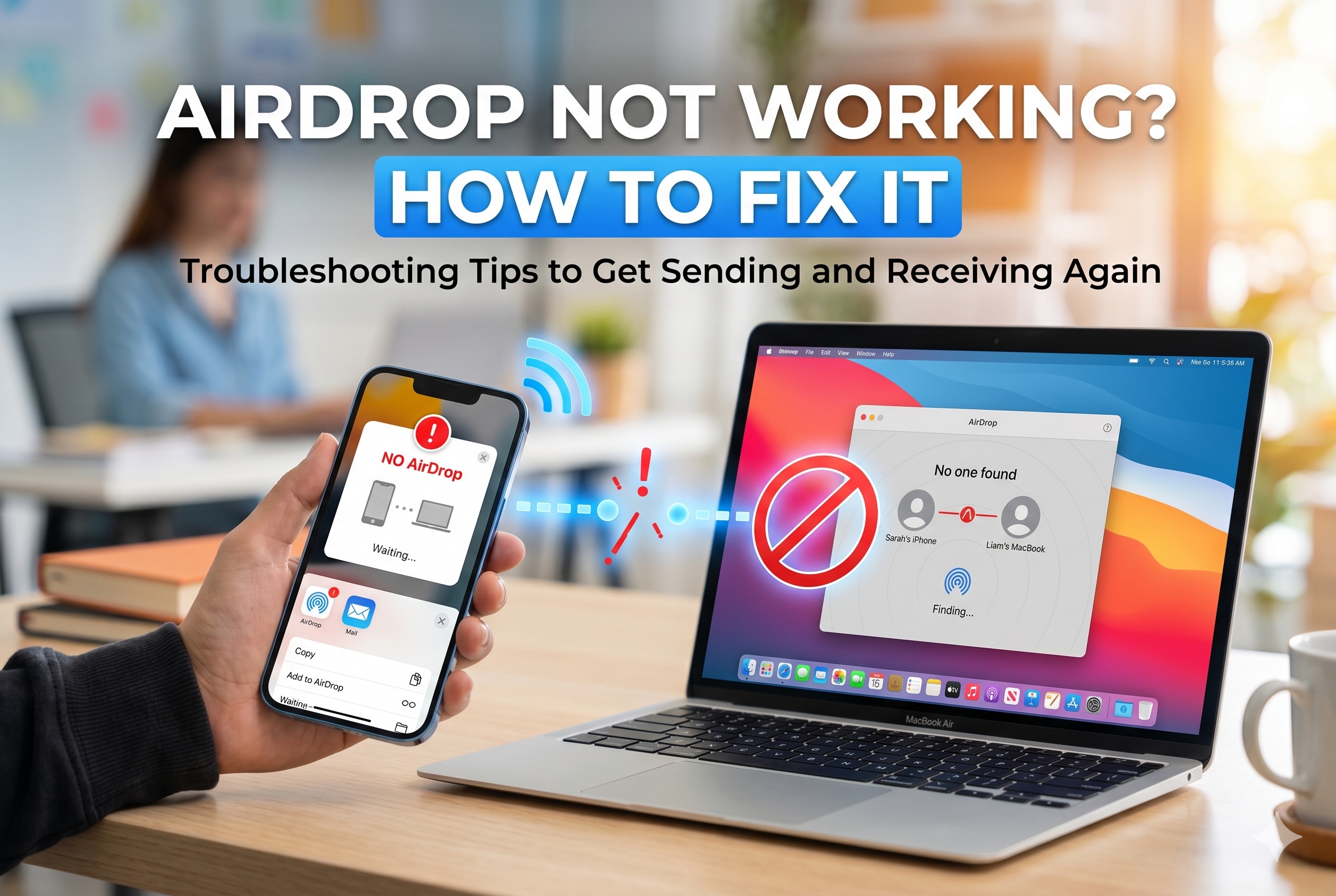
Apple AirDrop Not Working? How to Get It Sending and Receiving Again AirDrop not working between your iPhone, iPad, or Mac? It's almost never the hardware. Nine times out of ten it's a Wi-Fi or Bluetooth toggle, a Focus mode blocking discovery, a Personal Hotspot conflict, or an AirDrop visibility setting hiding your device. Here are the fixes that get AirDrop sending and receiving again in under a minute.
Apple iPhone Notifications Not Showing Up? Not getting notifications on your iPhone? Texts coming in silent, badge numbers stuck, calendar alerts vanishing? It's almost always one of three culprits: app permissions, a Focus mode running on schedule, or an in-app notification toggle quietly switched off. Here's how to walk through each layer of the notification stack and get alerts back on.
Apple Your Old iPod Might Be Worth More Than You Think. Reader’s Digest Says Sell It on Swappa. That iPod buried in your junk drawer? It could be worth anywhere from $20 to over $1,000. Refurbished iPod sales are climbing 15% a year, eBay searches are up 20%, and Reader's Digest just told its readers where to sell — Swappa. Here's why old iPods are suddenly hot again and how to cash in.
Apple iPhone Personal Hotspot Not Working? Personal Hotspot picks the worst times to fail, airports, hotel rooms, dead-zone coffee shops. The fix is usually one of four things: a carrier plan that doesn't include tethering, a stuck toggle, a corrupted Wi-Fi password, or saved network credentials on the connecting device. Here's how to walk through each one in the right order.
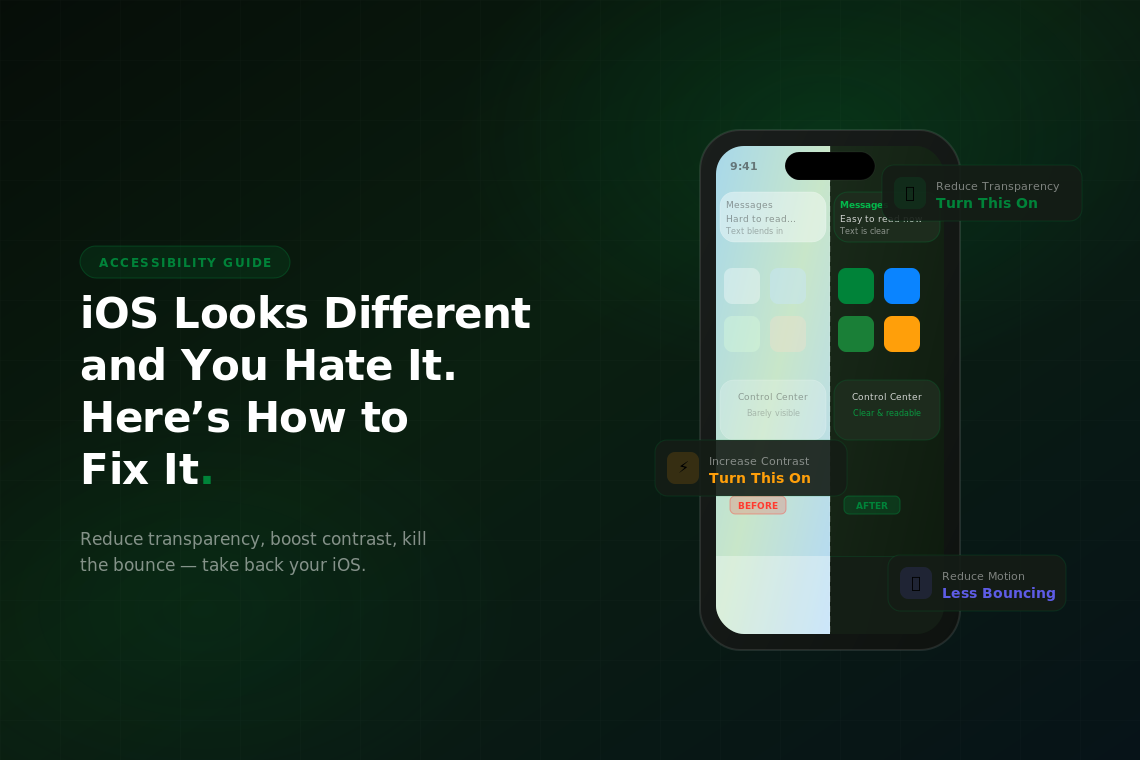
Apple iOS Looks Different and You Hate It. Hate the iOS 26 liquid glass redesign? You don't have to live with it. Learn how to use Apple's built-in accessibility settings to reduce transparency, increase contrast, tame motion effects, and make your iPhone look readable again in just a few taps.