Quick Answer
The best way to ship a Nintendo Switch is to wrap it in bubble wrap, double-box it in a 16″ x 10″ x 6″ outer box, and buy a discounted USPS Priority Mail or Ground Advantage label through Pirate Ship. You’ll pay roughly half what you’d pay at the post office counter — with no subscription fee and full tracking included.
Before You Ship: Prep Your Nintendo Switch
Once your Swappa listing sells, it’s tempting to jump straight to packing. Don’t. Take five minutes to properly prep the console first — it protects you and the buyer.
- Back up and transfer your game saves to the cloud
- Factory reset the Nintendo Switch to wipe your Nintendo account, payment info, and save data
- Remove any game cards from the cartridge slot
- Sign out of your Nintendo account and deactivate the console
- Take photos of the console, Joy-Con, and dock from every angle — this is your proof of condition if a claim comes up
This applies equally to the Switch, Switch OLED, and Switch Lite. Each model has the same pre-ship checklist.
Nintendo Switch Box Dimensions and Weight
Knowing the specs before you go box-hunting saves a trip. Here’s what you’re working with:
| Measurement | |
|---|---|
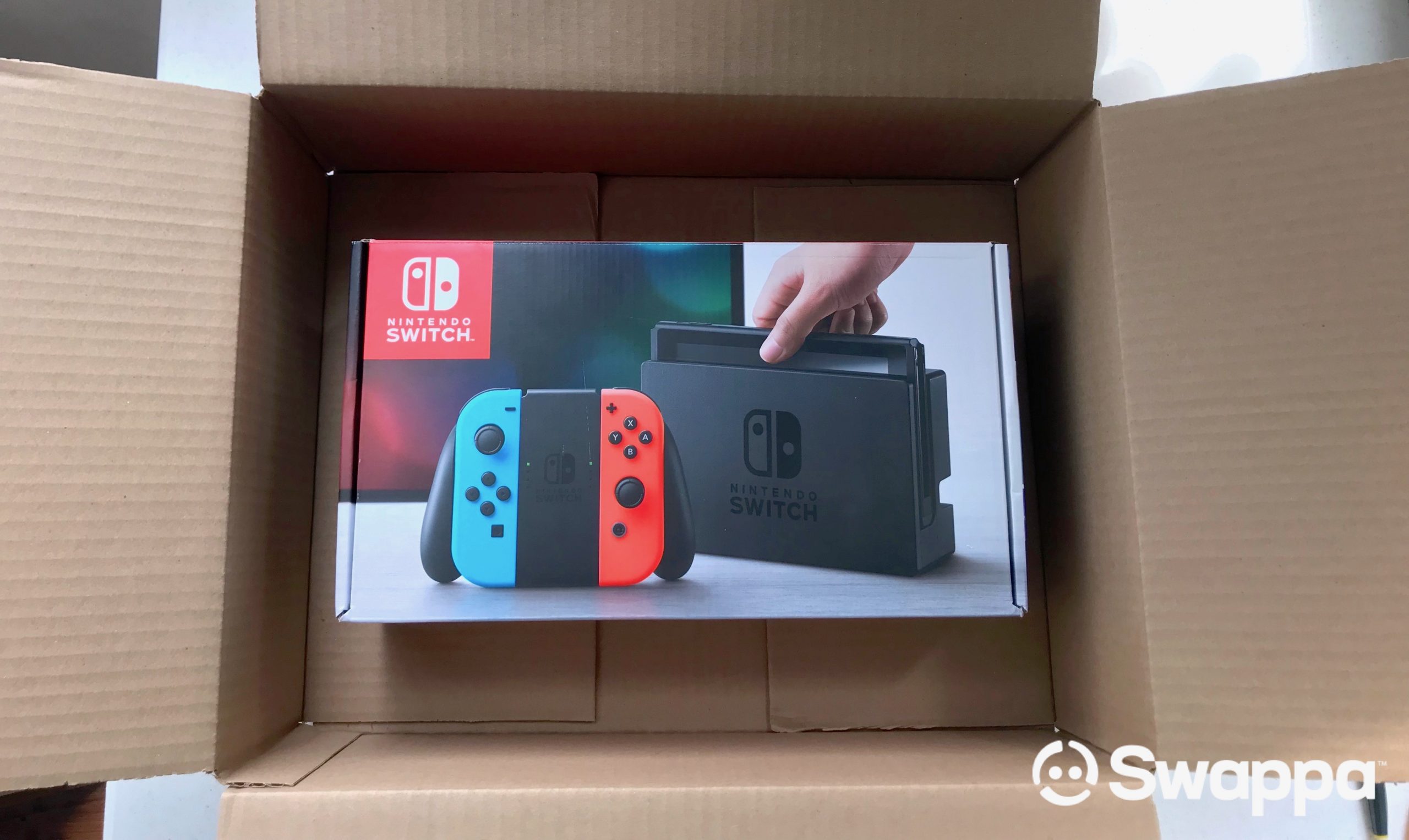
| Nintendo Switch retail box size | 13 3/4″ x 8″ x 3 3/4″ |
| Nintendo Switch retail box weight | ~4 lbs 6 oz |
| Recommended outer shipping box | 16″ x 10″ x 6″ |
The outer box needs at least 2 inches of clearance on every side of the retail box. That space is where your padding goes.
What You Need to Pack It
- A sturdy outer box (approximately 16″ x 10″ x 6″)
- Bubble wrap (large-bubble is best for shock absorption)
- Packing tape — 2-inch wide, not masking tape
- A black marker to cross out any old barcodes on reused boxes
- A shipping label (more on this below)
Where to get boxes: Reuse a sturdy box from a recent online order if you have one. Buying a new single box from a shipping store is fine but usually overkill for cost. Avoid flimsy boxes — old Amazon boxes that have been sat on or crushed aren’t suitable even if they look okay. Check Lowes, Home Depot, and Walmart for new boxes.
How to Pack a Nintendo Switch for Shipping
Double-boxing is the method. The retail box is not designed for courier handling on its own — it’s built for retail shelves. Always add an outer box.
If You Have the Original Retail Box
- Place the Switch, Joy-Con, dock, and cables in the original retail packaging.
- Tape the retail box closed.
- Wrap the entire retail box in one full layer of bubble wrap.
- Place it inside the outer box with 2–3 inches of clearance on all sides.
- Fill every gap with crumpled paper, packing peanuts, or air pillows — the inner box should not shift when you shake the outer box.
- Seal with the H-method: one strip down the center seam, one strip across each end seam, on both top and bottom.
If You Don’t Have the Original Box
- Wrap the Switch in at least three layers of large-bubble wrap, covering every corner.
- Wrap the Joy-Con and dock separately. Never let accessories press against the console directly.
- Add a 2-inch base layer of packing peanuts or crumpled paper to the outer box.
- Place the wrapped Switch in the center, accessories around the sides.
- Fill every gap. Pack it tight enough that nothing moves.
- Seal with the H-method.
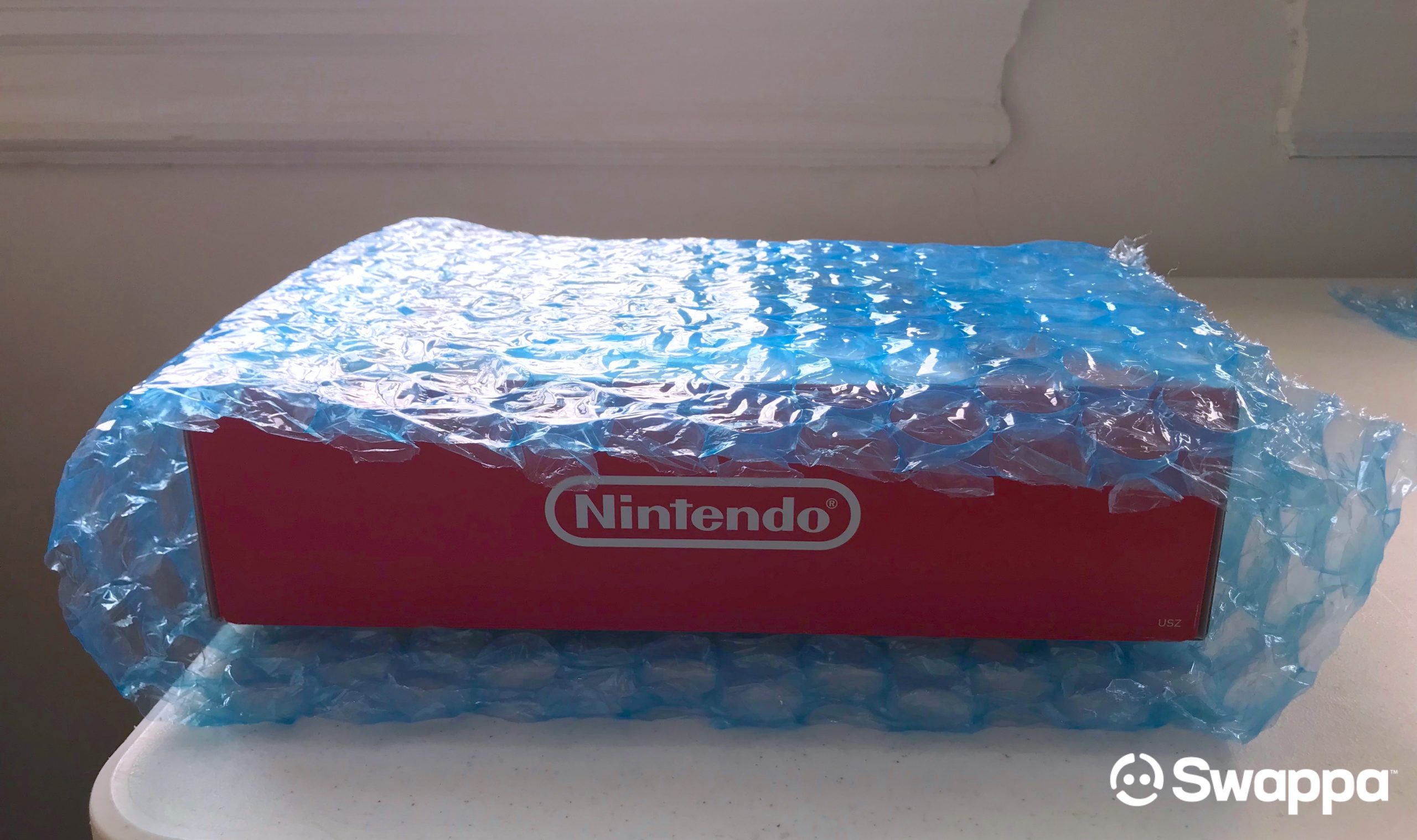
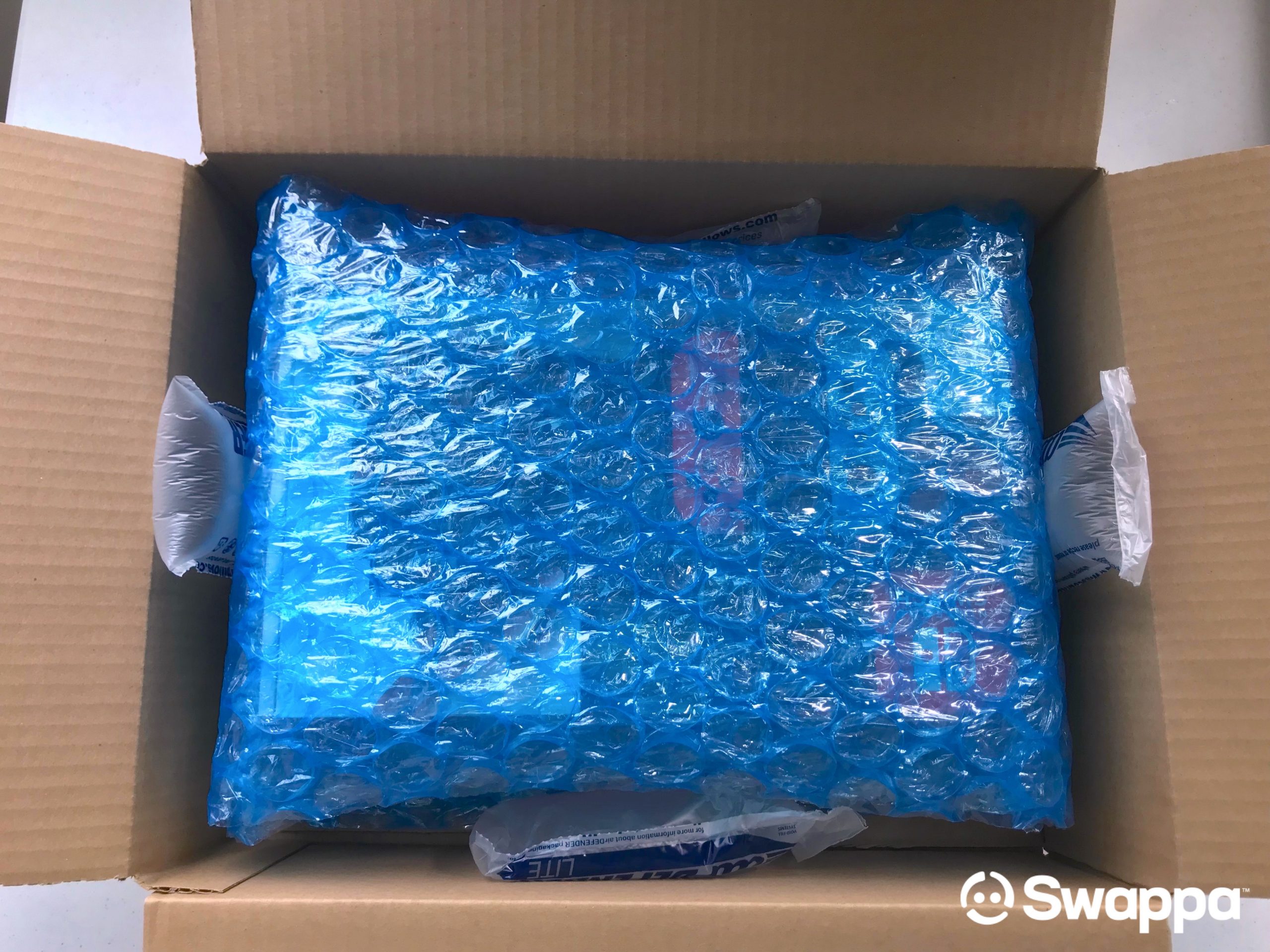
Shake test: Pick up the sealed box and shake it. If anything moves or rattles, open it and add more padding. Carriers drop packages. Your packing has to assume that.
The same approach applies to any console. For a broader look at the process, see Swappa’s guide on how to ship a gaming console safely and for the best price.
Which Carrier Should You Use?
USPS, UPS, and FedEx all handle Switch-sized shipments every day. For most sellers, USPS Priority Mail or USPS Ground Advantage hits the sweet spot of speed, price, and coverage.
Here’s a carrier comparison for a typical Nintendo Switch shipment (about 5–6 lbs packed, 16″ x 10″ x 6″ box, shipped coast to coast):
| Carrier & Service | Transit Time | Approx. Retail Price | Approx. Pirate Ship Price | Best For |
|---|---|---|---|---|
| USPS Priority Mail | 1–3 business days | $30–$50 | $14–$22 | Most Switch shipments — best overall value |
| USPS Ground Advantage | 2–5 business days | $20–$35 | $10–$18 | Budget shipments, speed isn’t critical |
| UPS Ground | 1–5 business days | $25–$45 | $15–$25 | Heavier bundles with dock and accessories |
| UPS 2nd Day Air | 2 business days | $55–$90 | $35–$55 | Fast guaranteed delivery |
Prices vary by distance and exact package weight. The Pirate Ship column is why most Swappa sellers skip the post office counter.
Buy Your Shipping Label on Pirate Ship (Not at the Counter)
Walking into a post office and paying retail is the most common way sellers leave money on the table. The same USPS label you’d buy at the counter costs 40–60% less when purchased through Pirate Ship.
Pirate Ship gives you access to commercial USPS and UPS rates at no cost. No monthly fee, no per-label markup, no volume requirement. You just pay for the label. Our full breakdown of how to get free access to commercial shipping rates explains the platform in more detail, but here’s the short version of why it’s worth using:
- No subscription. Create a free account and pay only for the labels you buy.
- Commercial rates. You get the same discounts normally reserved for high-volume businesses.
- Side-by-side pricing. Every carrier and service option is shown on one screen so you can pick the cheapest option that fits your timeline.
- PayPal import. Pirate Ship pulls the buyer’s address directly from the PayPal transaction — no copy-pasting.
- Built-in insurance. Add Shipsurance in one click at $0.75 for up to $50, then $0.80 per $100 of coverage.
- Free tracking. Every label includes tracking you can share with the buyer.
- Unused label refunds. Void an unused label within 30 days and get your money back.
How to Buy a Label on Pirate Ship
- Create a free account at pirateship.com.
- Click “Ship a Package.”
- Enter your address and the buyer’s address (or import from PayPal).
- Enter the box dimensions and total weight (console + all packaging).
- Review the carrier options and prices on one screen. Pick USPS Priority or Ground Advantage for most Switch shipments.
- Add insurance for the full sale price.
- Pay and print the label on a regular inkjet or laser printer.
- Tape it to the largest flat face of the box. Cross out or cover any old barcodes.
Always Add Shipping Insurance
Insurance is cheap. For a Switch selling at $200–$350, coverage typically costs $2–$4 through Pirate Ship. USPS Priority Mail includes $100 of coverage for free — add supplemental insurance for the remainder of the sale price.
If the carrier loses or damages the package and you don’t have insurance, you’re likely eating the loss. Most marketplaces side with the buyer when an item arrives damaged.
One caveat: insurance only pays out if the packaging was adequate. Pack it right anyway, then buy insurance as a backup.
Drop Off and Track
- Hand it to a person. Drop the package at a post office counter or UPS Store and ask for a receipt. Don’t leave it unattended in a drop box.
- Mark the listing as shipped. On Swappa, add the tracking number to the sale page — the buyer gets notified automatically.
- Save your receipt until the buyer confirms delivery.
- Watch the tracking. If the package stalls for more than 48 hours, contact the carrier proactively.
Common Nintendo Switch Shipping Mistakes
- Shipping in the retail box only. It’s not built for courier handling. Always double-box.
- Leaving game cards in the console. A card can get stuck, scratch, or cause a return dispute.
- Using a weak or already-crushed box. Even if it looks fine, a compromised box won’t protect the console through sorting machines.
- Paying at the post office counter. You’re likely paying twice what Pirate Ship charges for the same label.
- Skipping insurance. A $3 add-on protects a $300 sale.
- Forgetting the shake test. If it moves, repack it.
Sell Your Nintendo Switch on Swappa
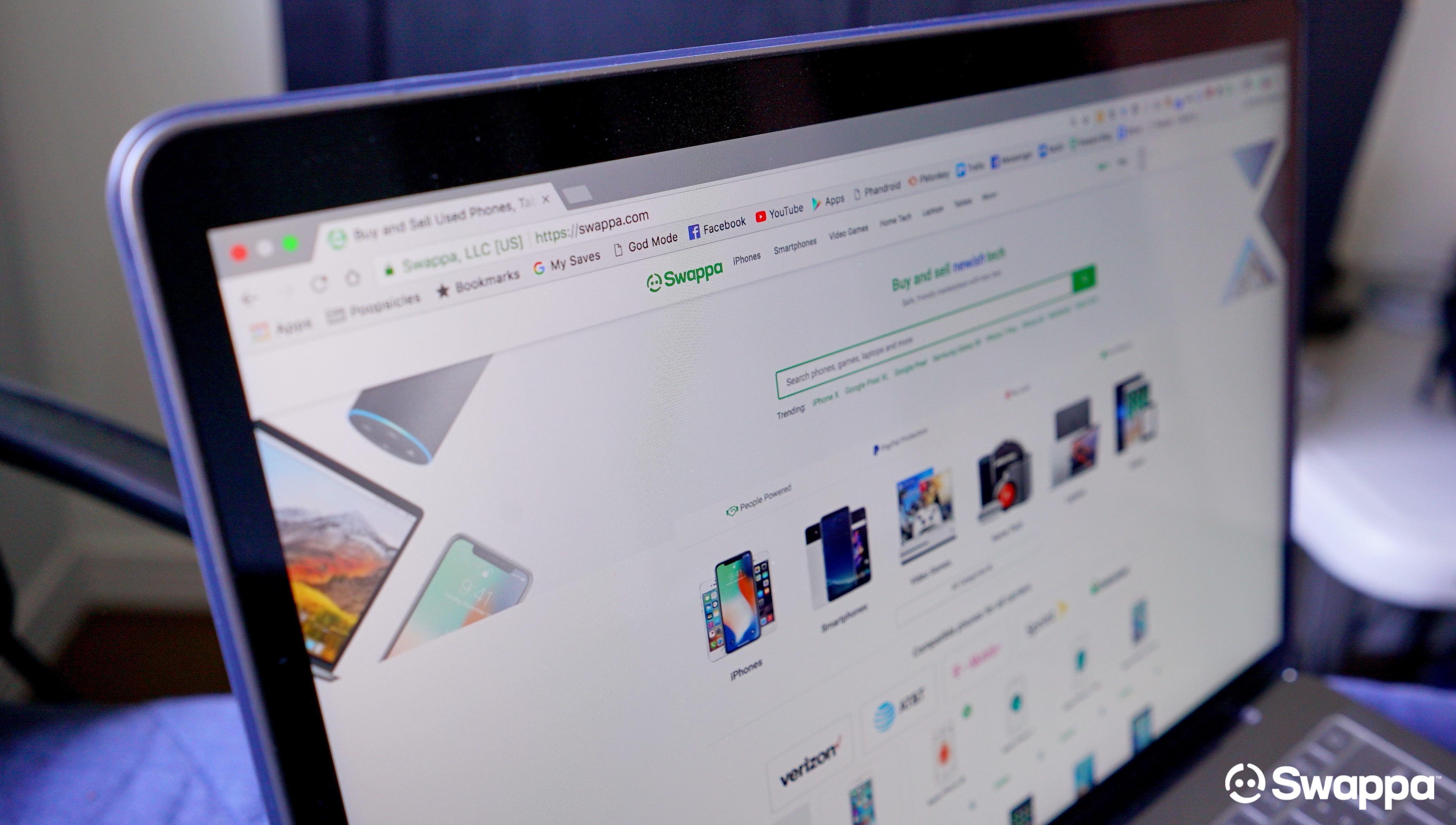
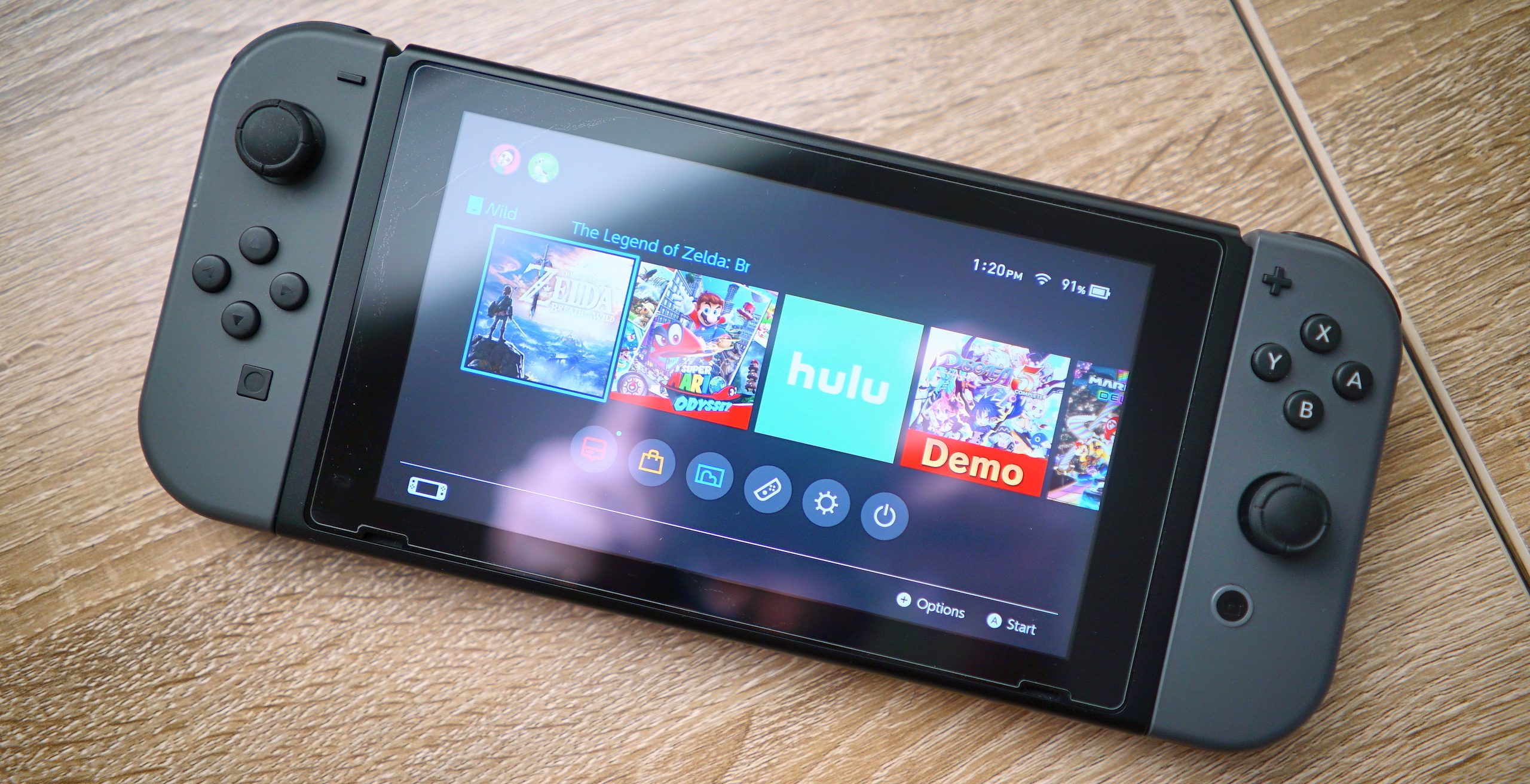
Swappa is a people-powered marketplace built for used electronics. When you list a Nintendo Switch on Swappa, you’re dealing directly with real buyers — no trade-in lowballs, no GameStop counter, no eBay fees eating your profit. Payments are handled through PayPal, so you’re protected on both sides of the transaction.
Not sure where to start? Read the guide to selling your Nintendo Switch on Swappa, or jump straight to listing your console.
Frequently Asked Questions
What’s the cheapest way to ship a Nintendo Switch?
USPS Ground Advantage purchased through Pirate Ship is typically the cheapest option. Expect to pay $10–$18 for most domestic shipments, compared to $20–$35 at the post office counter for the same service.
Can I ship a Nintendo Switch in the original retail box?
Only if you double-box. The retail packaging is built for store shelves, not courier sorting facilities. Place the retail box inside a larger outer box with 2–3 inches of padding on all sides.
What size box do I need to ship a Nintendo Switch?
The Nintendo Switch retail box measures 13 3/4″ x 8″ x 3 3/4″. You need an outer box of approximately 16″ x 10″ x 6″ to leave room for adequate padding on all sides.
Do I need insurance when shipping a Nintendo Switch?
Yes. For a console worth $200–$350, adding $2–$4 of insurance through Pirate Ship is a no-brainer. USPS Priority Mail includes $100 of coverage for free — add supplemental coverage for the full sale value.
Does USPS or UPS ship Nintendo Switch consoles faster?
USPS Priority Mail delivers in 1–3 business days for most domestic shipments and is the faster option for Switch-sized packages at the best price. UPS 2nd Day Air is faster but significantly more expensive — worth it only if the buyer needs guaranteed delivery.
What should I do with my Nintendo account before shipping?
Sign out of your Nintendo account, deactivate the console as your primary device, factory reset the system, and remove any game cards. This protects your data and prevents any activation issues for the buyer.