There is no magic age for replacing a phone. Some phones feel worn out after three years, while others are still going strong at six, especially now that many get seven years of updates. This guide covers the seven signs it is time to upgrade, when to hold off, and how to upgrade for far less than full price.
Quick Answer
Upgrade when your phone stops getting software updates, the battery will not last a day, it is constantly out of storage, or damage would cost too much to fix. Otherwise, keep it. iOS 27 still supports the iPhone 11 and newer, and Google Pixel 8 and 2024-and-later Galaxy S phones get seven years of updates.
Sign 1: Software Updates Have Ended (or Soon Will)
This is the most important sign, because it affects your security. When a phone stops getting security patches, it keeps working, but it stops getting protection against new threats, and apps gradually stop supporting it.
Support windows are longer than they used to be:
| Brand and models | OS updates | Security updates |
|---|---|---|
| Apple iPhone (recent models) | About 6 to 8 years | About 7 to 9 years |
| Google Pixel 8 and newer | 7 years | 7 years |
| Google Pixel 6 and 7 | 5 years | 5 years |
| Samsung Galaxy S, Z, and Tab S (2024 and newer) | 7 years | 7 years |
| Samsung Galaxy A (recent) | 6 years | 6 years |
Windows are counted from the phone’s launch date, not the day you bought it. As of September 2026, iOS 27 supports the iPhone 11 and newer, including the iPhone SE (2nd and 3rd generation). The iPhone XS, XS Max, and XR stopped at iOS 18. For every brand’s details and how to check your phone’s remaining runway, see How Long Will a Used Phone Get Updates?.
Sign 2: The Battery Can’t Get You Through the Day
Batteries wear out with every charge cycle. If you are charging by mid-afternoon, carrying a power bank everywhere, or your phone shuts off with charge left, the battery is the problem.
Check battery health. On an iPhone, go to Settings > Battery to see maximum capacity. Apple rates iPhone 15 and later batteries to keep about 80% of their capacity after 1,000 full charge cycles, and earlier models after 500. Many Android phones show battery health under Settings > Battery or the manufacturer’s support app.
Replace or upgrade? A battery replacement is one of the cheapest repairs, and on a phone with years of software support left, it is usually worth doing. On a phone near the end of its support window, put that money toward a newer used phone instead. iPhone Battery Health: What to Check on a Used iPhone explains the numbers.
Sign 3: It’s Slow, Crashes, or Runs Hot
Apps that take forever to open, frequent freezes, and heat during light use are signs the hardware is struggling with current software. Before you decide, rule out the free fixes: restart, update the software, and free up storage. Many slowdowns come from a nearly full phone or a tired battery rather than an old processor.
If the problems come back, the hardware has fallen behind. Common iPhone Problems and How to Fix Them and Why Is My iPhone So Hot? cover the troubleshooting.
Sign 4: You’re Always Out of Storage
Photos, 4K video, and apps keep getting bigger. If you delete photos just to take new ones, or cannot install updates, you have outgrown your storage, and most phones cannot be expanded.
Try a cleanup first with Your iPhone Is Full Again: How to Get That Storage Back. If you are back to full within a month, move up a storage tier with your next phone. How Much Storage Do You Need on a Used Phone? helps you pick.
Sign 5: Damage That Costs Too Much to Fix
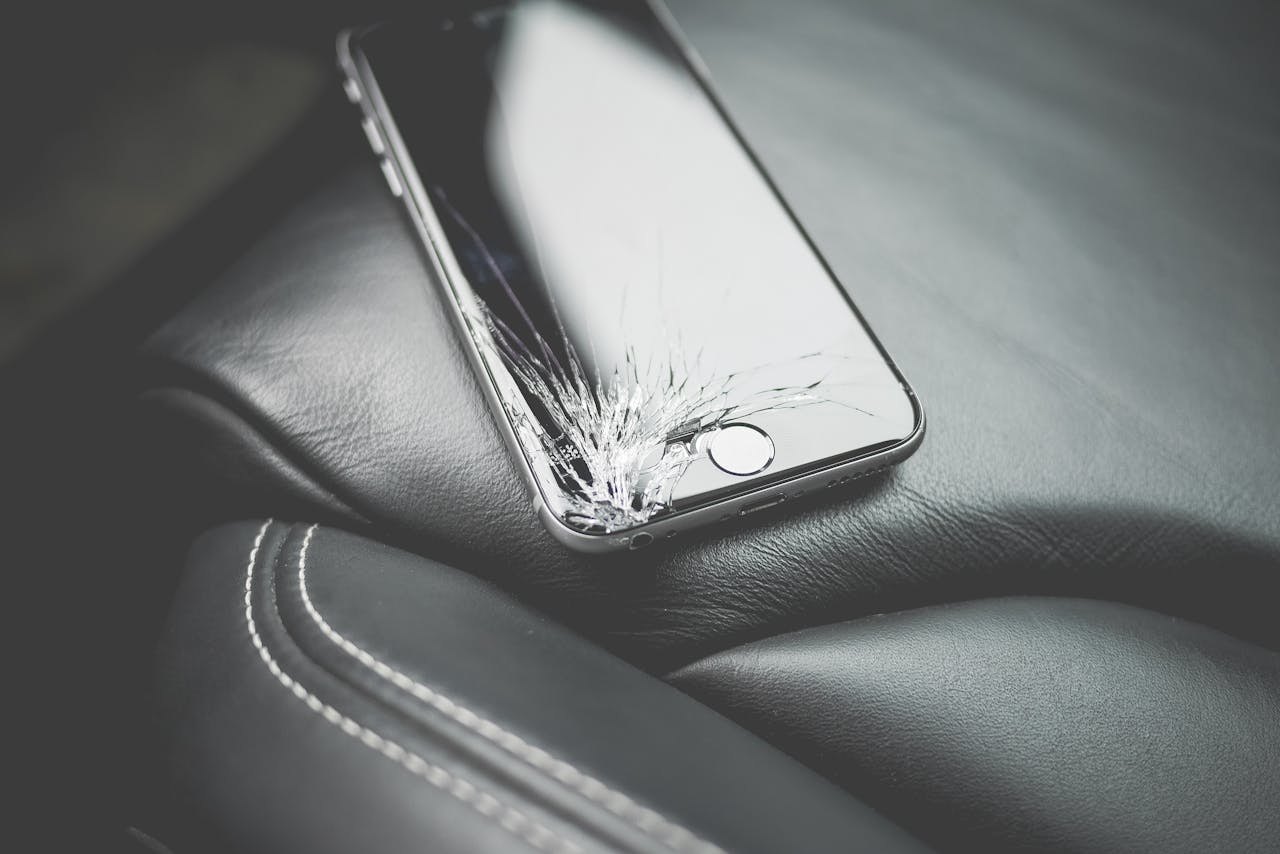
A cracked screen, a failing charging port, buttons that stick, or water damage all get worse over time. The decision is money math: compare the repair quote with the price of a comparable used phone, and factor in how much software support your current phone has left. Repair vs Replace: When Fixing Tech Is Worth It walks through it.
A phone with a cracked screen or water damage does not meet Swappa’s listing criteria, so you cannot sell it on the marketplace as-is. Repair it, or check the Swappa Trade-In program, whose partners accept many damaged phones, then buy a replacement.
Sign 6: Your Phone Can’t Do What You Need
Sometimes the phone works fine but holds you back:
- Features: Apple Intelligence requires an iPhone 15 Pro or newer. Newer phones also bring better cameras, brighter screens, and faster charging.
- Networks: 5G on iPhone starts with the iPhone 12. If your carrier or plan relies on features your phone lacks, like eSIM, it may be time.
- Work or school: apps and accounts that require a newer OS version will eventually force the issue.
Sign 7: Your Phone Is Worth More Now Than It Will Be Later
A working phone loses value every year, and prices typically step down when a new model launches. If you already plan to upgrade within a year, selling sooner usually gets you more. According to Swappa marketplace data (September 2026), a 128GB iPhone 14 sold for an average of $283 on Swappa, which can cover a big share of a newer used phone. See Best Time to Sell Your Phone (Before Value Drops).
How Often Should You Upgrade?
With longer support windows, many people can comfortably keep a phone four to six years, especially an iPhone or a recent Pixel or Galaxy flagship. The better question is not “how old is it?” but “is it still supported, and does it still do the job?”
Buying a one- or two-year-old used phone resets the clock for much less money. You get most of the support window, a healthier battery, and a modern camera at a lower price.
When You Should Not Upgrade Yet
Hold off if all of these are true:
- Your phone still gets security updates.
- The battery lasts a normal day, or a battery replacement would fix it.
- You have room for your photos and apps.
- It does everything you need.
If only the battery is weak, replace the battery and keep the phone.
How to Upgrade for Less
- Buy used, one or two generations back. Used phones typically cost 30 to 60% less than new. Swappa’s Best-Selling Used iPhones in 2026 shows what people are buying and what it costs, and the Used iPhone Buyer’s Guide and Used Samsung Galaxy S Buyer’s Guide help you choose.
- Sell your current phone. Check its value on the Swappa prices page, then sell your phone on Swappa. Listing is free, and the seller fee is 3% when it sells. How to Sell Your Used Phone for the Most Money has tips.
- Compare with a trade-in. Trade-ins are fast but usually pay less. Trade-In vs. Sell: How to Get the Most for Your Old Tech shows the difference.
On Swappa, every phone must be fully functional, with a clean IMEI, no activation lock, and fully paid off, and you are entitled to a refund if it is not as described.
FAQ
How long should I keep my phone before upgrading?
Keep it as long as it gets security updates, the battery lasts your day (or can be replaced), and it does what you need. For many recent iPhones and flagship Android phones, that is four to six years or more. Upgrade sooner if damage or storage becomes a daily problem.
How do I know if my phone is still getting updates?
Check your phone’s launch year against the brand’s support policy. iOS 27 supports the iPhone 11 and newer. Google Pixel 8 and newer, and Samsung Galaxy S, Z, and Tab S models from 2024 on, get seven years of updates from launch. Older Pixels and Galaxy phones have shorter windows.
Is it better to replace the battery or buy a new phone?
If your phone still has years of software support, replacing the battery is usually the better value. If it is near the end of its support window or has other problems, put the money toward a newer used phone instead.
Should I buy a new or used phone when I upgrade?
A used phone one or two generations old usually offers the best value. It typically costs 30 to 60% less than new, still has years of updates left, and you can offset the cost by selling your old phone.
Can I sell my old phone if the screen is cracked?
Not on the Swappa marketplace, since cracked glass and water damage fail Swappa’s listing criteria. You can repair it first, or check the Swappa Trade-In program, whose partners accept many damaged phones.
The Bottom Line
Upgrade when your phone stops getting updates, the battery or storage cannot keep up, or damage costs too much to fix. Until then, keep it, and consider a battery replacement if that is the only problem. When it is time, a used phone one or two generations old, paid for partly by selling your current one, is the smartest way to upgrade.