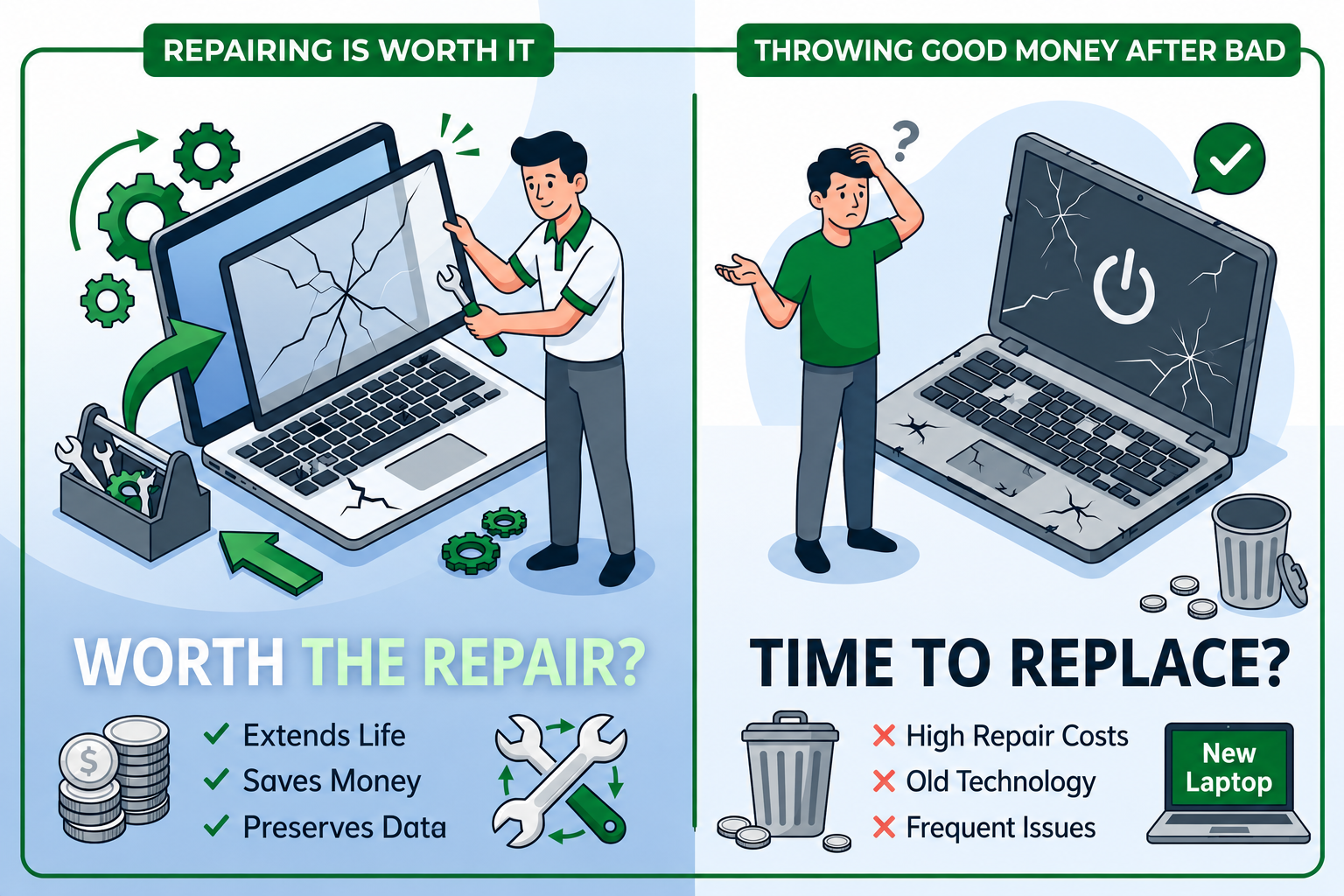
A damaged laptop is a math problem disguised as an emotional one. The emotional version says “this is my laptop, I want to fix it.” The math version asks: does the repair cost less than 50% of the replacement cost? Is the laptop otherwise in good shape, with another 3+ years of useful life ahead of it? Are there hidden additional damages the obvious one might be masking?
This is the breakdown. Real repair costs in 2026 for the most common laptop damage. The hidden costs that turn cheap repairs into expensive ones. And a decision framework that gives you a clear answer in about ten minutes; fix it, or write it off and buy a used replacement.
The “65% rule” — the simplest decision framework
If you only remember one rule from this article, remember this one. If the repair cost is more than 65% of the laptop’s current used-market replacement value, replace. Below 65%, fix is usually right.
The reasoning: a repaired laptop is still a laptop with a history, often with cosmetic evidence of the repair (slightly different bezel, slightly off-color replacement key, etc.). It will sell for less when you eventually sell it than a comparable unrepaired laptop. The repair also doesn’t extend the life of the rest of the laptop; the battery still ages, the keyboard still wears, the hinges still cycle. You’re paying full repair cost for a laptop that already has miles on it.
Past the 65% threshold, the math tips toward replacement. Below it, the math tips toward repair.
A few numbers to anchor:
- A laptop worth $400 used: repair is usually right under $260. Replace above.
- A laptop worth $700 used: repair under $450. Replace above.
- A laptop worth $1,200 used: repair under $780. Replace above.
Look up your specific laptop’s used value on Swappa’s used catalog; recent comp sales of your model in good condition are the right reference, not the original purchase price.
Cracked screen
The most common visible damage. Real repair costs in 2026:
Mainstream business laptops (Latitude 5000-series, EliteBook 800-series, ThinkPad T-series): $150–$280 for parts + $80–$150 labor at a service shop = $230–$430 total. DIY parts cost $80–$200 with about an hour of work for someone comfortable disassembling laptops.
Premium ultrabooks (XPS 13/15, Spectre x360, X1 Carbon, Yoga 9i): $280–$500 for parts + $120–$200 labor = $400–$700 total. DIY is harder. These laptops often have screens bonded to bezels or assembled into the chassis, raising the difficulty significantly.
Budget consumer laptops (Inspiron 3000-series, Pavilion, IdeaPad 3): $100–$200 for parts + $80–$120 labor = $180–$320 total.
Gaming laptops (Legion, Omen, G-series): $250–$500 for screens (often higher-refresh-rate panels) + $100–$180 labor = $350–$680 total.
Workstation laptops (Precision, ZBook, ThinkPad P): $300–$700+ for color-calibrated panels.
The hidden cost. Cracked screens often coincide with frame damage at the corners (where the impact happened), bent hinges (from the same drop), and occasional motherboard damage from the impact. Sometimes the “$200 screen replacement” turns into a “$600 we found additional damage” repair. Get a real diagnostic before paying for parts.
The decision. For mainstream business laptops worth $500+ used, screen replacement is usually right. For sub-$400 budget laptops with cracked screens, the repair often crosses the 65% threshold and replacement becomes the better answer. Premium ultrabooks are usually worth fixing if the rest of the laptop is healthy, they hold value well.
Dead keys / keyboard damage
Less dramatic, more common than people realize.
Single dead key. Sometimes a stuck switch under the keycap, fixable by carefully prying off the keycap and cleaning underneath. DIY with care, or $40–$60 at a service shop. Sometimes a broken hinge on the keycap itself, requiring a replacement keycap ($5–$15 from manufacturer parts or eBay).
Multiple dead keys (often spill-related). Indicates damage to the keyboard membrane or PCB beneath. The fix is replacing the entire keyboard.
Keyboard replacement cost:
- Most business laptops with replaceable keyboards (Latitude 5000-series, EliteBook 800-series, ThinkPad T-series): $40–$100 for parts + $80–$150 labor = $120–$250 total. DIY is feasible for someone comfortable with internal disassembly.
- Premium ultrabooks: keyboards are often integrated with the palm rest and chassis, requiring full top-cover replacement. Costs $200–$500 for parts + labor.
- Some thin laptops have the keyboard installed before the chassis is assembled at the factory. These require full disassembly to replace, doubling the labor.
The decision. For a single dead key, almost always worth attempting a DIY fix or paying $50 for a service shop attempt. For multiple dead keys requiring a full keyboard replacement, run the 65% rule against the laptop’s used value.
Spilled liquid damage
The unpredictable one. Liquid damage outcomes range from “cleaned up perfectly with no consequence” to “motherboard is destroyed, total loss.” The variable is what spilled, how much, and whether the laptop was powered on.
Best-case scenario. A small water spill on a powered-off laptop. Drying immediately, then a thorough cleaning by a service shop (typically $80–$150) usually saves the laptop with no lasting damage.
Mid-case scenario. A coffee, soda, or sugary drink spill on a powered-on laptop, on a business-class laptop with spill drainage. The keyboard is likely damaged, possibly the trackpad, but if the drainage worked, the motherboard may be fine. Repair: keyboard replacement plus internal cleaning, typically $200–$400. Recovery rate maybe 60–70%.
Worst-case scenario. Any spill on a thin consumer ultrabook (no drainage), or a large spill on any laptop that was powered on. Liquid reaches the motherboard, salt and sugar accumulate on circuits, corrosion sets in over days or weeks. Fix is sometimes possible with motherboard-level rework ($300–$700) but recovery rate drops to 30–50%, and even successful repairs often have residual issues that surface months later.
The decision rule for spills:
- Power off immediately. Don’t wait. Don’t try to “save what you’re working on.” Pull the power, hold the power button to force shutdown, remove the battery if accessible.
- Don’t power on for 72 hours minimum. Liquid that’s still inside will short circuits when current flows. Patience saves laptops.
- Get a professional diagnostic. A service shop can disassemble, inspect for liquid trails and corrosion, and give you an honest assessment of recoverability before you commit to a repair.
- Apply the 65% rule with extra caution. Spilled-drink repairs have the highest rate of “we fixed it and three months later something else failed.” Consider the repair as buying time, not full restoration.
For laptops worth less than $400 used, a serious spill usually triggers replacement. For laptops worth $700+, it depends heavily on the diagnostic.
Hinge damage / lid problems
Less common but expensive when they happen.
Loose hinge / lid won’t stay open at angle: $80–$200 repair (re-tensioning or replacing hinge mechanism). DIY is feasible on most business laptops.
Cracked lid / detached hinge: $200–$500 repair, often involving partial chassis replacement.
Bent or broken hinge with screen damage: combines with the screen replacement above; total cost commonly $400–$700.
The decision. Hinge issues on otherwise-healthy business laptops are usually worth fixing. They’re a sign of mechanical wear, not catastrophic damage. Hinge issues on consumer laptops often indicate a chassis quality issue that won’t end with this repair.
Battery problems
The clearest fix-vs-replace decision in laptop repair, because batteries are the most repairable component.
Battery replacement cost:
- Business laptops with user-accessible batteries (older Latitudes, ThinkPad T-series with hot-swap, EliteBook 800-series): $60–$120 for OEM battery, often $40–$60 for third-party. Installation is 5–15 minutes.
- Modern thin laptops with internal-only batteries: $80–$180 for OEM battery, $60–$100 for third-party. Installation requires bottom panel removal, 30–60 minutes total.
- Soldered or glued batteries (rare on Windows laptops, but exists on some thin ultrabooks): more expensive, requires specialized work.
The decision. Battery replacement is almost always worth it if the rest of the laptop is healthy. The replacement returns the laptop to like-new battery life and is usually the cheapest single repair. Don’t replace a battery on a laptop you’re already considering retiring.
Charging port / USB-C port damage
The “I plugged it in wrong” failure mode.
Symptoms: charging port doesn’t hold the cable cleanly, only charges at certain angles, or doesn’t charge at all.
Cost: the port itself is $5–$30. The labor is in disassembling the laptop, desoldering the old port, and soldering a new one. Service shop work is $120–$250. DIY requires soldering skills.
The decision. Worth fixing on most laptops. Charging ports are the kind of failure that shouldn’t dictate replacement on its own. Combined with other failures, apply the 65% rule.
Multiple problems compound
The most expensive scenario is a laptop with several smaller issues at once. Cracked screen and battery at 60% and one dead key and a charging port that needs reseating.
Each individual fix might pencil out, but the total cost across all of them often exceeds the 65% replacement threshold. A laptop worth $500 used with $400 of compounding repairs is past the line; replacement is the right call.
When you’re getting a diagnostic, ask the service shop to identify everything wrong with the laptop, not just the obvious damage. A motherboard inspection, battery health check, hinge tension check, and overall condition review takes maybe 20 minutes and prevents the “we fixed the screen, now the battery dies” surprise three months later.
When repair is almost always right
A few cases where repair is the clearer answer:
A laptop you specifically love or has unusual qualities (a particular ThinkPad with an exact keyboard, a specific Latitude with a 4K touch panel, etc.) where finding the same configuration used would be hard. The repair preserves the irreplaceable.
A laptop with extensive customizations – RAM upgrade, custom OS configurations, software setups that took time to dial in. The repair preserves all of that.
A laptop with active warranty coverage – Manufacturer warranty repairs are often free or partial-cost. Check warranty status on Dell, HP, or Lenovo’s site before paying out of pocket.
A laptop where the damage is cosmetic only – small dents, minor scuffs, things that don’t affect function. Almost never worth a service-shop repair on cosmetic issues alone.
A laptop where the repair is small and DIY-feasible – single dead key, single bad RAM module, simple charging port reseat. Low cost, high satisfaction.
When replacement is almost always right
The flip side:
Multiple compounding failures. As covered above.
Liquid damage with motherboard involvement. Even if the immediate fix works, recurring failure is common.
Old laptop (5+ years) with significant damage. The total cost of “fix this, and also need new battery, and also slow because of older CPU” frequently exceeds the cost of buying a more modern used replacement.
Damage on a budget laptop. Inspirons, Pavilions, IdeaPads, ProBooks: these laptops have lower used-market values to begin with. The 65% threshold drops fast.
Laptops where the damage is the third or fourth thing to go wrong. The pattern of repeated failure usually predicts more failure.
The diagnostic worth paying for
Before any expensive repair, pay $40–$80 for a real diagnostic at a service shop. The diagnostic should produce:
- Confirmation of what’s actually wrong (not just the obvious damage).
- Confirmation of what’s not wrong – a clean motherboard, healthy battery, undamaged hinges.
- An itemized estimate for the repair.
- An estimate of what other components might fail soon based on visible wear.
That diagnostic is the single most valuable thing you can buy in the repair-vs-replace decision. It converts the abstract “is this worth fixing?” question into specific numbers you can plug into the 65% rule.
A worked decision example
You spilled coffee on a Dell Latitude 5430 from 2023. Currently:
- Used market value of the laptop in good condition: ~$520.
- Damage: keyboard partially non-responsive, no other obvious issues.
- Diagnostic from local shop: keyboard replacement needed ($240 total), motherboard appears clean, battery health 84%, no hinge or screen damage.
The math. Repair cost ($240) ÷ replacement value ($520) = 46%. Below the 65% threshold.
The verdict. Repair is the right call. After the repair, the laptop is functionally as good as it was, with another 3+ years of useful life. The alternative, replacing for $520 used, saves you nothing and creates new transition costs (data migration, software reinstall, accessory compatibility).
If the spill had also hit the motherboard and the diagnostic showed corrosion ($600 total repair), the math reverses: $600 ÷ $520 = 115%, well above the threshold. Replace.
The bottom line
Repair-vs-replace is a math problem with a single rule: 65% of replacement value is the threshold. Below it, fix. Above it, replace. A real diagnostic from a service shop converts the question from emotional to numerical, and most decisions become obvious once the numbers are on the table.
The hidden costs to watch for are compounding damage (multiple smaller issues), age-related decline (a fixed laptop is still old), and resale-value impact (repaired laptops sell for less).
When the math says replace, used Windows laptops on Swappa are the high-value path, refurbished business-grade machines at half of new retail, often the same money as a major repair on the existing damaged laptop.
Frequently asked questions
Is it worth fixing a cracked laptop screen?
Use the 65% rule: if the repair cost is less than 65% of the laptop’s current used-market value, fix it. For mainstream business laptops worth $500+ used, screen replacement at $230–$430 is usually worth it. For sub-$400 budget laptops, the math typically favors replacement.
How much does a laptop screen replacement cost?
Mainstream business laptops: $230–$430 total at a service shop, $100–$250 DIY. Premium ultrabooks: $400–$700 total. Budget consumer laptops: $180–$320. Get a diagnostic first to confirm there’s no additional impact damage to the chassis or motherboard.
Can a laptop be saved after a liquid spill?
Sometimes. Best case: small water spill on powered-off laptop, dried and cleaned, full recovery. Worst case: large or sugary drink on powered-on laptop, motherboard damage, total loss. The single most important thing is powering off immediately and not powering on for at least 72 hours. Then get a professional diagnostic before committing to repair.
Should I replace a laptop battery or buy a new laptop?
Replace the battery if the rest of the laptop is healthy. Battery replacements are usually $60–$180 plus 30 minutes of work, and they restore like-new battery life. Don’t replace a battery on a laptop with multiple other problems. That’s where the 65% rule starts pushing toward replacement.
When is it not worth repairing a laptop?
When repair cost exceeds 65% of replacement value, when multiple compounding problems exist, when liquid damage involved the motherboard, when the laptop is more than five years old and showing other signs of age, or when budget consumer laptops have any significant damage. In those cases, the math favors replacement with a refurbished business-grade laptop.
If the math says replace, browse used Windows laptops on Swappa; refurbished business laptops at the same money as most major repairs, with full functionality and years of life ahead.