Unlocking an iPhone using Face ID was super convenient — until it wasn’t.
If you try to unlock your iPhone using Face ID while wearing a mask it will fail, and then, prompt you to enter your passcode. Typing in your passcode isn’t overly difficult, but it does add an extra step, and there is a bit of lag between the time when Face ID fails and you get the prompt to enter your passcode. The bit of lag is really just a minor inconvenience, but that hasn’t stopped Apple from making it better.
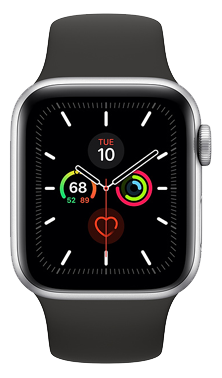
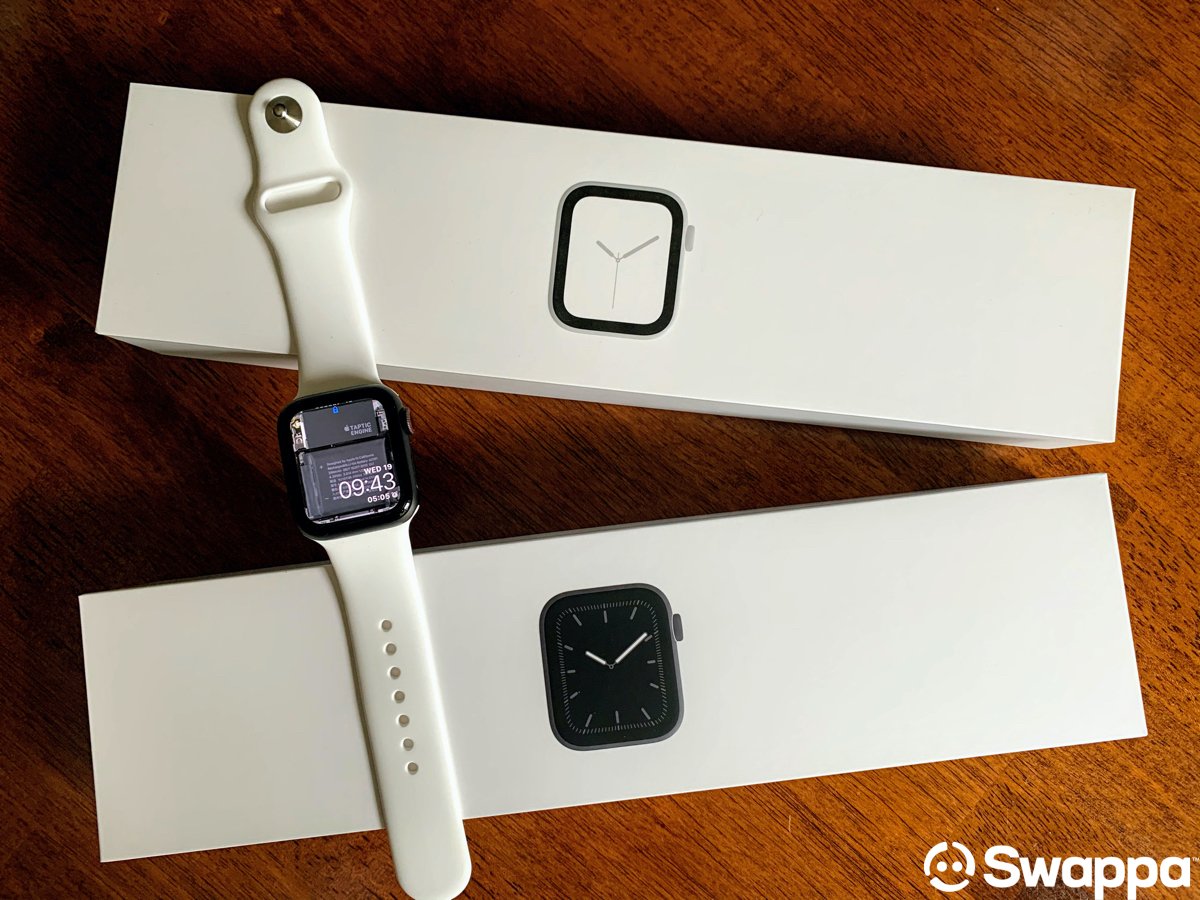
If you already wear an Apple Watch you are likely excited, and if you don’t yet have an Apple Watch, you may be wondering which model you should buy, and what kind of deal you can get.
Table of contents:
- Which Apple Watch can I use to unlock my iPhone?
- Which Apple Watch should I buy?
- How to unlock your iPhone with an Apple Watch
- Shop safe and save BIG on Swappa
Which Apple Watch can I use to unlock my iPhone?
This new feature requires an iPhone running iOS 14.5 and an Apple Watch running watchOS 7.4. If you’re planning to buy an Apple Watch to take advantage of this feature — you will need to look for a Series 3 or newer. This sounds simple enough, but simply stating Series 3 or newer includes the following models: Series 3, Series 4, Series 5, Series 6, and SE.
Note: iOS 14.5 and watchOS 7.4 are currently in beta as of March 1, 2021. We will post an update here once these new updates are readily available for all iPhone and Apple Watch users.
Which Apple Watch should I buy?
At Swappa we firmly believe that you do not need the latest model. In fact, buying a model that is a generation or two older is a great way to save money. But we also recommend factoring in how long you plan to keep the watch. If you are planning to pick up an Apple Watch and keep it for two, three, or more years, it may be better to spend a bit more (provided your budget permits) and get a slightly newer model. Of course, if you have any gently used and fully functional tech sitting around, you can sell it in the Swappa marketplace to help fund your Apple Watch purchase.
Apple Watch Series 3
Originally released in September 2017, the Apple Watch Series 3 will make a great first Apple Watch. With a Series 3 Apple Watch, you will be able to get notifications, send messages, make telephone calls, keep track of your daily fitness activities, make payments using Apple Pay, and more. And of course, you’ll also be able to use your Apple Watch Series 3 to unlock your iPhone when you are wearing a mask.


Apple Watch Series 4
The Apple Watch Series 4 was released in September 2018 and serves as the successor to the Series 3. The key features remain the same as the Series 3 Apple Watch, however, the Series 4 did bring some new features such as 16GB of storage space (up from 8GB in the Series 3), a new ECG system, fall detection, and a larger display with thinner bezels.


Apple Watch Series 5
The Series 5 Apple Watch was released in September 2019 and brought some new features that were not available on earlier versions of the Apple Watch. New additions that arrived with the Series 5 include an always-on-display, a magnetometer that enabled a Compass app, improved International Emergency Calling, and 32GB of internal storage space.


Apple Watch Series 6
Apple released the Series 6 Apple Watch in September 2020, and as we’ve seen with previous versions of the Apple Watch, the Series 6 arrived with new features. Highlights include a 2.5x brighter always-on-display, faster charging, better battery life, an S6 SiP processor which is 20% faster as compared to the processor in the Series 5, and an always-on altimeter.


Apple Watch SE
Apple released the Apple Watch SE at the same as the Series 6. The SE model was intended to serve as a lower-priced option as compared to the Series 6. Overall, the Watch SE looks the same as the Series 6, and while it supports many of the same features, it is missing some features such as the always-on display, blood oxygen app, and the ECG app.

How to unlock your iPhone with an Apple Watch
It doesn’t matter whether you already had an Apple Watch, or you just picked up a newish model from Swappa — you’ll still want to make sure this new setting is turned on. You need to be running the latest versions of iOS and watchOS, which are iOS 14.5 and watchOS 7.4.
You can check to see which versions you are running using the following steps:
- iPhone: Navigate to: Settings -> General -> About, and then look at the Software Version
- Apple Watch: Navigate to: Settings -> General -> About, and then look at the Version
If you aren’t seeing iOS 14.5 and watchOS 7.4 you will need to check for a software update, which can be done by navigating to Settings -> General -> Software Update on your iPhone and on your Apple Watch.
Now that you have confirmed you are running the latest versions, the final step is to make sure this new feature is toggled on, which is done on the iPhone using the following steps:
- Open the Settings app on your iPhone
- Tap Face ID & Passcode (enter your current passcode when prompted)
- Scroll to Unlock with Apple Watch (and toggle the button to turn this feature on)
Shop safe and save BIG on Swappa
The Swappa marketplace is easy-to-use, and it is also safe and secure. Perhaps equally important — you will be able to find a gently used Apple Watch without emptying your bank account.
Still need more convincing? This is why you should buy from the Swappa marketplace:
- Swappa has a support team that is available 24/7/365
- Swappa has a moderation team that reviews listings to keep the junk out of the marketplace
- Swappa uses Paypal because of the extensive protections they offer for buyers (and sellers)
- Swappa keeps the jerks away
Of course, you shouldn’t just take our word for it. You should also check out our Trustpilot reviews, which are posted by others that have used Swappa.