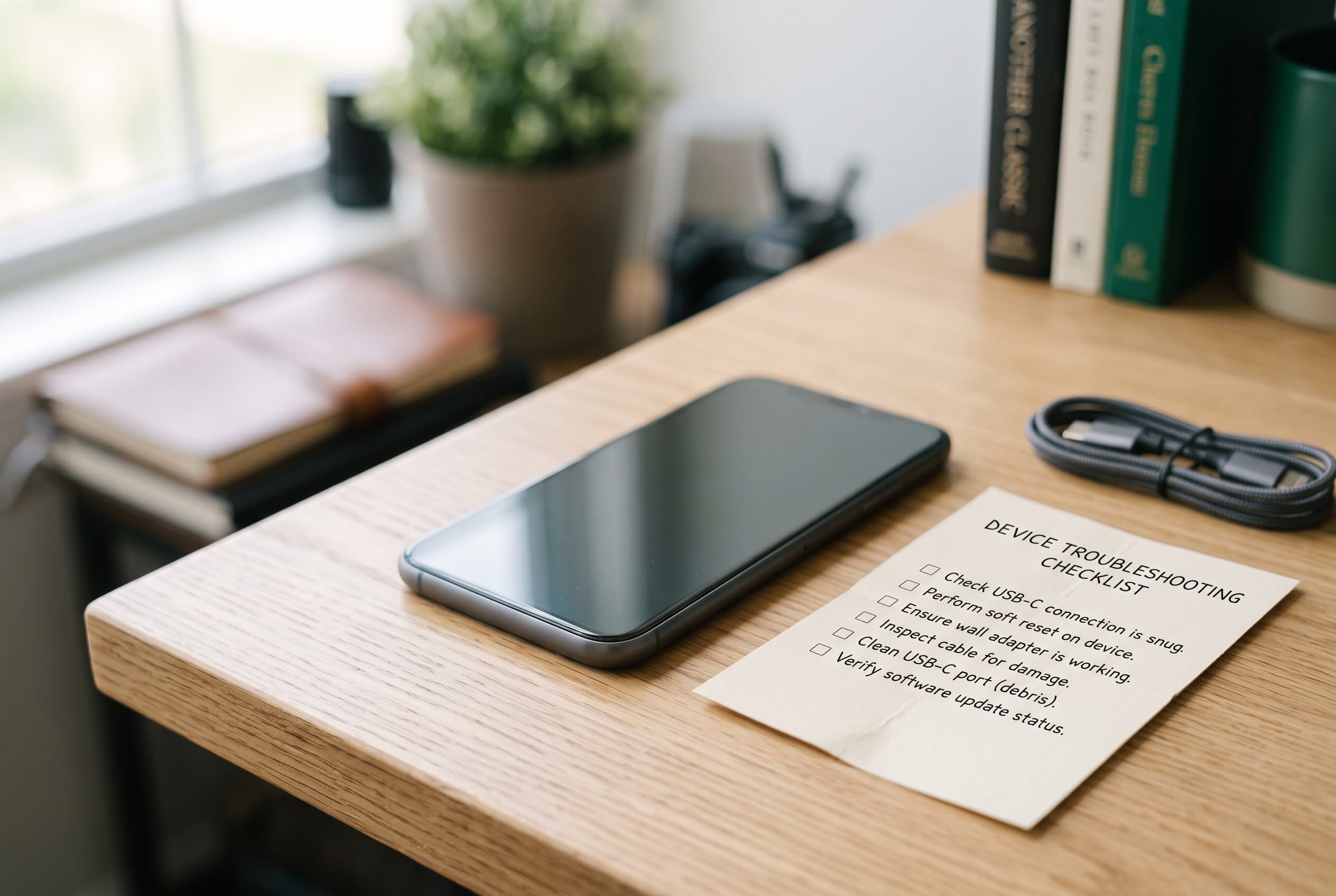
Almost every iPhone problem falls into one of two buckets: a software glitch you can clear in a few minutes, or a hardware issue that needs a repair or a replacement. The hard part is knowing which one you are dealing with before you spend money. This hub indexes the most common iPhone problems, links you straight to the fix for each, and gives you a simple way to tell the difference.
Quick Answer
Start with the basics that solve most issues (restart, update iOS, check storage and battery health), then jump to the specific fix below. If a problem keeps coming back after the software fixes, it is probably hardware, and you should weigh a repair against upgrading to a newer used iPhone. Browse verified models on the Buy Used iPhones on Swappa page.
Most Common iPhone Problems (Jump to the Fix)
Find your symptom below. Each links to a full walkthrough. If more than one applies, work the list top to bottom, since power and charging issues should be ruled out first.
| Symptom | Likely cause | Go to the fix |
|---|---|---|
| Won’t turn on / black screen | Drained battery, frozen system, or hardware | iPhone won’t turn on |
| Won’t charge | Cable, port debris, adapter, or battery | iPhone won’t charge |
| Frozen or unresponsive | Software hang | iPhone frozen |
| Battery dies too fast | Background activity or aging battery | Why your iPhone battery dies so fast |
| Overheating | Heavy load, charging heat, or aging battery | Why is my iPhone so hot |
| Face ID not working | Sensor obstruction, settings, or hardware | Face ID not working |
| No sound / speaker issue | Silent mode, debris, or speaker fault | iPhone speaker not working |
| Storage always full | Photos, cache, and app data | Your iPhone is full again |
| Won’t stay connected | Wi-Fi, cellular, or carrier settings | iPhone won’t stay connected |
| Personal Hotspot not working | Carrier plan or settings | Personal Hotspot not working |
| AirDrop not working | Bluetooth, Wi-Fi, or visibility settings | AirDrop not working |
| Notifications not showing | Focus modes and per-app settings | Notifications not showing up |
| Microphone not working on calls | Debris, app permissions, or hardware | iPhone microphone not working |
| Screen brightness changing on its own | Auto-Brightness and True Tone | Screen brightness up and down |
| Got wet | Liquid exposure | iPhone water damage: what to do |
The Fixes That Solve Most Problems
Before diving into a symptom-specific guide, try these. They resolve a surprising share of everyday iPhone issues.
Restart the phone. A normal restart clears temporary glitches. If the screen is frozen and a normal restart will not work, do a force restart: press and release Volume Up, press and release Volume Down, then press and hold the Side button until the Apple logo appears.
Update iOS. Go to Settings, General, Software Update. Bugs that cause crashing, connectivity drops, and battery drain are often patched in a point release.
Check storage. A nearly full iPhone slows down, fails to update, and crashes apps. Settings, General, iPhone Storage shows what is eating space.
Check battery health. Settings, Battery, Battery Health & Charging shows Maximum Capacity. A low percentage explains fast drain, sudden shutdowns, and some overheating. Battery health when buying or selling a used phone is covered in depth in the canonical used electronics battery health guide, so this hub keeps the focus on fixing your current phone.
If the basics do not stick, head to the specific fix from the table above.
Software vs. Hardware: How to Tell the Difference
This is the call that decides whether you are spending five minutes or shopping for a repair. Use these signals.
It is probably software if the problem started right after an iOS update or installing an app, comes and goes, affects only one feature (like notifications or AirDrop), or clears after a restart or reset of settings. Software problems are free to fix and worth ruling out first.
It is probably hardware if the phone took a drop or got wet, will not power on or charge at all, overheats during light use, shows physical damage, or the same fault returns no matter how many times you reset. Hardware problems cost money to fix, and that cost is what you weigh against a replacement.
A quick test: back up your data, then try the fix steps. If a symptom survives a clean restart and an iOS update, treat it as hardware and price out your options.
When to Repair vs. Replace
Once you have confirmed it is hardware, the question is simple money math: does the repair cost less than a comparable used iPhone, and how much life is left in the rest of the phone?
A screen or battery replacement on an otherwise solid, recent iPhone is usually worth it. A pricey logic-board or water-damage repair on an older model often is not, because you can buy a newer used iPhone for close to the repair cost and reset the clock on battery and support life. The full framework, including the rough cost thresholds, lives in the repair vs. replace guide, which is the canonical resource for that decision across all devices.
Two honest notes specific to iPhones. First, an aging battery is the single most common reason a phone “feels broken” when it is not, and a battery swap is one of the cheapest repairs. Second, if the phone has water damage or a cracked screen, it will not meet marketplace listing standards, so plan to repair it or recycle it rather than sell it as-is.
Upgrading: Sell Your Working iPhone, Buy a Newer Used One
If your iPhone still works but feels slow, has a tired battery, or is short on storage, upgrading is often cheaper than you think, especially if you sell the phone you are replacing.
A working iPhone holds its value well on the resale market, and that payout offsets most or all of the cost of a newer used model. iPhones are among the strongest value holders in used tech, which is exactly why upgrading by selling and rebuying makes sense. You can check what your current model is worth on the Swappa price guide and list it in a few minutes on the Sell Your iPhone page.
The exception, per the guardrail above: if the phone is dead, water-damaged, or has a cracked screen, do not plan to sell it. In that case, skip straight to a replacement.
Buy and Sell iPhones on Swappa
Whether the fix is a battery swap or a full upgrade, the marketplace side is straightforward. Every listing is staff-reviewed and verified, with a clean IMEI, no activation lock, and no water damage or cracked glass, so you are not inheriting someone else’s unsolved problem. Selling fees are lower than typical auction-site fees, and PayPal-backed buyer and seller protection covers both sides of the deal.
If your current iPhone is on its way out, shop a verified replacement and let the resale value of your old phone do the heavy lifting.
Frequently Asked Questions
Why does my iPhone have so many problems all of a sudden?
A sudden cluster of issues usually traces to one cause: a recent iOS update with a bug, a nearly full storage drive, or a battery that has degraded past the point where it can keep up. Update iOS, free up storage, and check Battery Health before assuming the phone is failing.
How do I know if my iPhone problem is software or hardware?
If a restart and an iOS update fix it, or it only affects one feature and comes and goes, it is software. If it follows a drop or water exposure, prevents the phone from powering on or charging, or keeps returning after resets, treat it as hardware and price out a repair against a replacement.
Is it worth repairing an old iPhone?
A cheap fix like a battery or screen on a recent model is usually worth it. An expensive repair on an older iPhone often is not, because a newer used model can cost about the same while giving you better battery life and more years of software support. Compare the repair quote to used prices before you decide.
Should I fix my iPhone or upgrade to a newer used one?
Add up the repair cost and compare it to a comparable used iPhone after subtracting what your current phone would sell for. If selling your working phone covers most of the upgrade, upgrading is often the better long-term value.
Can I sell an iPhone that has problems?
You can sell a working iPhone with minor quirks as long as you disclose them honestly. You cannot list a phone with water damage, a cracked screen, or activation lock, since those fail marketplace listing standards. For a dead or damaged phone, recycle it and buy a replacement instead.
My iPhone got wet. What should I do first?
Power it off, do not charge it, and do not put it in rice. Dry the exterior and ports and leave it powered down to dry out. Follow the full water-damage steps before attempting to turn it on, since charging a wet phone can cause more damage.
The Bottom Line
Most iPhone problems are fixable in minutes once you know whether you are looking at software or hardware. Run the basics first, use the index above to jump to your specific fix, and reserve spending for genuine hardware failures. When a repair costs nearly as much as a newer used iPhone, upgrading and selling your old phone is usually the smarter move.