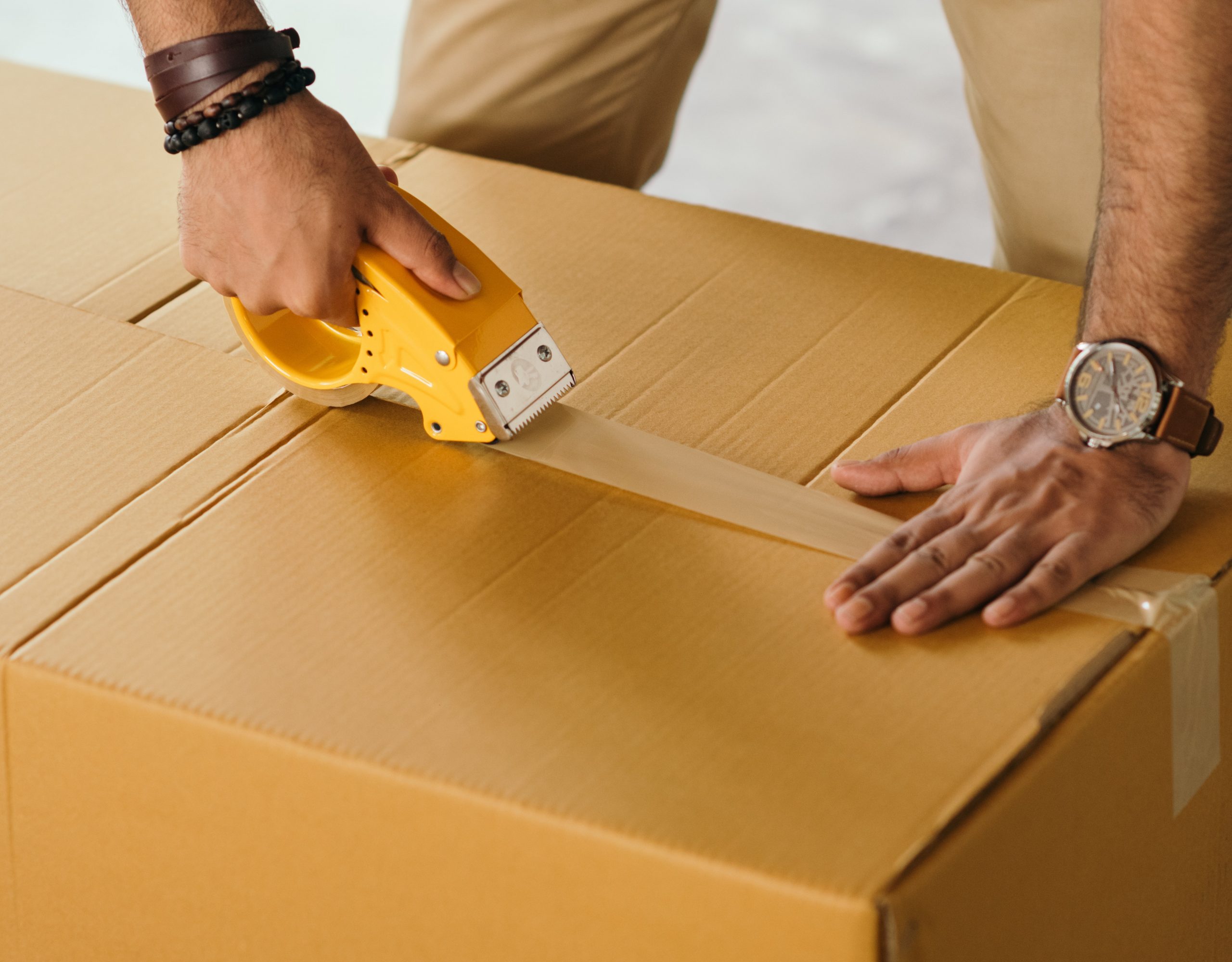
An iMac weighs about as much as a bag of groceries, but it ships like a small TV: a big, thin sheet of glass on a stand, in a box that carriers price by size. This guide covers how to prepare and pack a 24-inch or 27-inch iMac, which carrier to use, what drives the cost, and the shipping rules Swappa sellers need to follow.
Quick Answer
To ship an iMac, use the original Apple box if you still have it. If not, use a double-wall box with 2 to 3 inches of foam or cushioning on every side, keep all pressure off the screen, and pack the iMac upright. Ship by ground with tracking and insurance for the full sale price, which Swappa requires. UPS or FedEx handle bulky boxes well, and a pack-and-ship store is worth the extra cost if you do not have the materials. Ready to sell?
Before You Pack: Reset It and Sign Out
Do this before the iMac goes in the box. A Mac that is still tied to your Apple Account cannot be set up by the buyer, and it fails Swappa’s listing criteria, which require devices to be free of any OS or activation lock.
- Apple silicon iMacs (24-inch, 2021 and later) and the 27-inch 2020 iMac: go to System Settings > General > Transfer or Reset > Erase All Content and Settings. This signs you out of your Apple Account, turns off Find My and Activation Lock, and erases your data.
- Older Intel iMacs: sign out of iCloud first, then erase the drive and reinstall macOS from Recovery.
For the full walkthrough, see How to Factory Reset Your MacBook Before Selling (2026). The same steps apply to iMacs. How to Wipe Your Device Before Selling covers every other device.
While you are at it, photograph the iMac powered on and showing the setup screen. Those photos help if you ever need to file a damage claim.
iMac Sizes and Weights
Measure your own iMac if you are unsure of the model, but these are the figures Apple publishes. They are the bare computer, before any packing.
| iMac Model | Height | Width | Stand Depth | Weight |
|---|---|---|---|---|
| 24-inch (M1 2021, M3 2023, M4 2024) | 18.1 in | 21.5 in | Under 6 in | About 9.7 to 9.9 lb |
| 27-inch Retina 5K (2019, 2020) | 20.3 in | 25.6 in | 8 in | About 19.7 to 20.8 lb |
| 21.5-inch Retina 4K (2019) | 17.7 in | 20.8 in | 6.9 in | About 12.1 lb |
The 24-inch iMac is less than half the weight of the 27-inch, but it is almost as wide and just as fragile. Neither stand is designed to be removed, so plan to pack the iMac with the stand attached.
What You Need to Ship an iMac
- A box. The original Apple box is the best option because its inserts hold the iMac upright and away from the walls. Otherwise, use a double-wall corrugated box about 5 to 6 inches larger than the iMac in each direction.
- Rigid foam. Foam corner blocks or foam planks do more than bubble wrap alone, because they keep the screen from touching the box.
- A screen cover. A soft microfiber cloth against the glass, then a sheet of foam or stiff cardboard over the face of the display.
- Bubble wrap. At least two layers around the whole iMac.
- Packing tape. Wide, heavy-duty tape for an H pattern on the top and bottom seams.
- A small box or bag for accessories. The power cord, the 24-inch iMac’s power adapter, and any keyboard or mouse you listed.
Our guide, How to Pack Electronics for Shipping, covers materials and techniques for every device type.
How to Pack an iMac Step by Step
- Unplug everything. Coil the power cord and pack it, the power adapter, and any keyboard or mouse in a small box or bag. A loose accessory rattling inside the main box can crack the screen.
- Protect the screen first. Lay a microfiber cloth over the glass, then tape a sheet of foam or stiff cardboard over the front so nothing can press on the display directly.
- Wrap the iMac. Use two or more layers of bubble wrap around the body and stand. Fill the gap between the stand and the back of the display with foam or rolled bubble wrap so the stand cannot lever against the screen.
- Add foam at every corner. Corner blocks on all four corners of the display, plus foam under the stand’s base.
- Box it upright. Stand the iMac on its base in the box, the way Apple’s original box holds it, with 2 to 3 inches of cushioning between the iMac and every wall. Set the accessory box in a padded corner where it cannot slide into the screen.
- Fill every void and shake-test it. Close the flaps and give the box a gentle shake. If anything shifts, add more cushioning.
- Seal and label. Tape the seams in an H pattern on top and bottom, and mark the box “Fragile” and “This Side Up.” Labels do not guarantee handling, which is why the packing has to do the work.
For a 27-inch iMac without its original box, consider double boxing: pack it as above, then place that box inside a second box with 2 more inches of cushioning. It adds weight and size, but the 27-inch display is heavy enough that a single box can crush at the corners.
Which Carrier to Use for an iMac
All three major carriers can take an iMac. The right one depends on the size of your packed box and where you can get the best rate.
| Carrier | Good Choice For | Watch Out For |
|---|---|---|
| USPS Ground Advantage | A 24-inch iMac in a snug box, especially with a discounted online label | Large boxes are priced by dimensional weight, and the package limit is 70 pounds |
| UPS Ground | Bulky or heavier boxes, including 27-inch iMacs and double-boxed shipments | Rates at a retail counter run higher than online or discounted rates |
| FedEx Ground or Home Delivery | The same bulky shipments as UPS, with drop-off at FedEx Office | Compare the online quote with your packed dimensions before you drop it off |
| The UPS Store or FedEx Office packing | Sellers without a box or foam | Packing services add real cost, so get a quote and ask whether they guarantee their packing |
Swappa’s standard shipping is a ground service with tracking, and express shipping is not offered at checkout. If a buyer wants faster shipping, they can ask in the listing comments and arrange to pay for it on the private sale page. For a side-by-side look at carriers and ways to save, see Cheapest Way to Ship Electronics: Carrier Comparison.
How Much Does It Cost to Ship an iMac?
The price depends on distance, carrier, and the size of the packed box, and size matters most. Carriers bill whichever is greater: the actual weight or the dimensional (DIM) weight, which is the box’s length times width times height divided by the carrier’s DIM divisor.
Here is why that matters for an iMac. A 24-inch iMac weighs under 10 pounds, but packed with 2 to 3 inches of cushioning it fills a box of roughly 26 x 23 x 10 inches. At a DIM divisor of 139, that box bills as about 43 pounds. A 27-inch iMac packed in a roughly 32 x 27 x 13 inch box bills as about 81 pounds at the same divisor, even though it weighs about 20.
Three ways to keep the cost down:
- Do not over-box. Every extra inch in each direction raises the DIM weight. Use enough cushioning to protect the iMac and no more.
- Buy a discounted label online. Services that offer commercial rates usually beat retail counter prices. How to Get Free Access to Commercial Shipping Rates walks through the options.
- Quote before you list. Get prices from USPS, UPS, and FedEx with your packed dimensions, then set your Ask Price with shipping in mind. On Swappa, sellers pay for standard shipping.
DIM divisors change and differ by carrier and service, so pull the current number from your carrier’s site. Shipping Large Electronics: Monitors, TVs & Desktops explains dimensional weight and carrier size limits in more detail.
Insurance, Tracking, and Swappa’s Shipping Rules
A cracked iMac display is a total loss, so insure the full value. When we checked on September 23, 2026, used 24-inch iMacs were selling on Swappa for about $670 to $875 (M1), $770 to $1,100 (M3), and $1,120 to $1,210 (M4), depending on storage. Most 27-inch 2020 models in Core i5 and i7 configurations sold for about $600 to $800. Check the 24-inch iMac price page for current numbers, since prices move with condition, storage, and demand.
Swappa’s shipping policy for sellers is short:
- Ship within two business days after you receive payment.
- Use ground shipping with tracking and insurance that covers the full price of the listing.
- Ship only to the address tied to the buyer’s payment, as shown on the sale page.
- Pack carefully. Sellers are responsible for the item’s condition until it is delivered.
Signature confirmation is optional, but it is worth the small extra charge on a high-value iMac so the box is not left on a porch. For how carrier coverage and claims work, see Shipping Insurance for Electronics: Is It Worth It?. The full policy is on Swappa’s shipping policies page.
What to Include When You Sell an iMac on Swappa
Swappa’s condition requirements for an iMac are simple. The power cord is required (on a 24-inch iMac, that means the power adapter and its cable). The original box, manuals, keyboard, and mouse are not required. Whatever your listing says is included has to be in the box, so if you list the Magic Keyboard and Magic Mouse, pack them.
The iMac also has to meet Swappa’s listing criteria: fully functional, no cracked or chipped glass, no water damage, fully paid off, and no activation lock. Swappa’s staff reviews listings before they go live, and payments run through PayPal with buyer and seller protection. Sellers pay a 3% fee on the Ask Price, and the buyer’s 3% fee is already built into the listing price. Selling fees are lower than other auction-site fees.
If you are replacing the iMac with something smaller, the Apple Mac mini Buying Guide 2026: Every Model, M1 to M6 compares every Apple silicon Mac mini.
FAQ
Can I ship an iMac without the original box?
Yes. Use a double-wall corrugated box about 5 to 6 inches larger than the iMac in each direction, cover the screen with a cloth and a sheet of foam or stiff cardboard, wrap the iMac in at least two layers of bubble wrap, and add foam corner blocks so the display never touches the box. Pack it upright and fill every gap. For a 27-inch iMac, double boxing adds protection.
Can you ship an iMac with USPS?
Yes. USPS Ground Advantage accepts packages up to 70 pounds, which covers every iMac. Large boxes are priced by dimensional weight, so compare the USPS quote with UPS and FedEx using your packed dimensions. Swappa sellers must ship by ground with tracking and insurance for the full sale price.
How much does it cost to ship an iMac?
It depends on distance, carrier, and box size, and box size usually matters most. A packed 24-inch iMac often bills at around 40 to 45 pounds of dimensional weight even though it weighs under 10 pounds, and a packed 27-inch iMac can bill at around 80. Get quotes from USPS, UPS, and FedEx with your packed dimensions, and buy a discounted label online to save.
Do I need to remove the stand before shipping an iMac?
No. The stands on the 24-inch and 27-inch iMac are not designed to be removed. Pack the iMac with the stand attached, fill the space between the stand and the back of the display with foam or rolled bubble wrap, and pad under the base so the stand cannot shift against the screen.
Does Swappa require insurance when shipping an iMac?
Yes. Swappa’s standard shipping is ground shipping with a tracking number and insurance that covers the full price of the listing. Sellers must ship within two business days of receiving payment and only to the address tied to the buyer’s payment. Signature confirmation is optional but recommended for a high-value iMac.
Do I have to include the keyboard and mouse when I sell an iMac on Swappa?
No. Swappa requires the power cord for an iMac listing, which includes the power adapter on a 24-inch model, but the keyboard, mouse, original box, and manuals are not required. Anything your listing says is included must be in the box when it ships.
Conclusion
Shipping an iMac comes down to three things: keep all pressure off the screen, size the box so dimensional weight does not eat your profit, and insure the full sale price. Reset the iMac and sign out before you pack it, use the original box if you have it, and get quotes from all three carriers with your packed dimensions. For every other device, How to Ship Electronics Safely and Cheaply has you covered.
When your iMac is ready to go, list it on Swappa, where listings are staff-reviewed, human support is available 24/7/365, and buyers can shop used iMacs and all-in-one computers with PayPal protection.