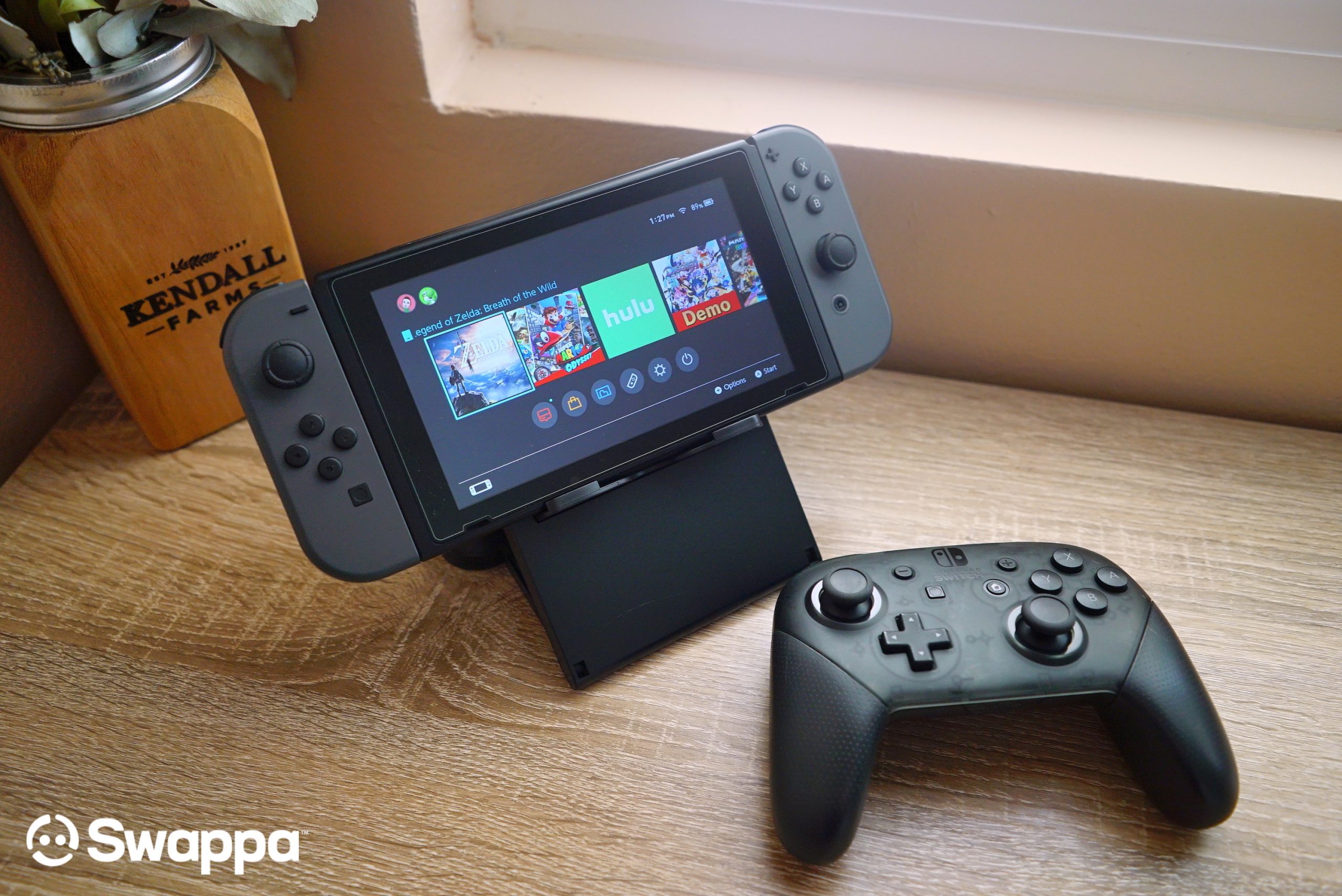
Whether you’re strapped for cash or just have your eyes on something new, such as the new Nintendo Switch with an OLED display, there are numerous reasons why you, or anyone else, may want to sell their used Nintendo Switch.
When it comes time for you and your Nintendo Switch to part ways, we want to make sure you know exactly which steps are needed to make this transition as smooth as possible. In this post here, we’ll walk you through everything you need to know — including transferring your game saves and performing a factory reset — to get your old Switch ready for its new owner.
Backup and transfer your Nintendo Switch game saves

Before you get to factory resetting your Nintendo Switch, you may want to consider transferring out all of your data first. Nintendo currently offers two ways to move your game saves to a new Nintendo Switch. One option is free, and the other will cost you a few bucks per month.
- Option 1: The first option is the free option, and it allows Switch users to do a direct transfer from console to console. While this option won’t cost you any money, you will need to have both Switch consoles to make this happen.
- Option 2: The second option is the one that will cost you a few bucks, and it involves signing up for the Nintendo Switch Online service. This option allows you to backup your game saves with Nintendo’s Save Data Cloud option. And then once backed up, they can be downloaded to your new Switch.
Of course, it should also be mentioned that, while option 2 isn’t free, there are other perks such as getting to play 100+ NES and Super NES games.
You can check out Swappa’s “How to back up your Nintendo Switch game gaves” tutorial here: How to transfer your Nintendo Switch game saves
Factory reset your Nintendo Switch
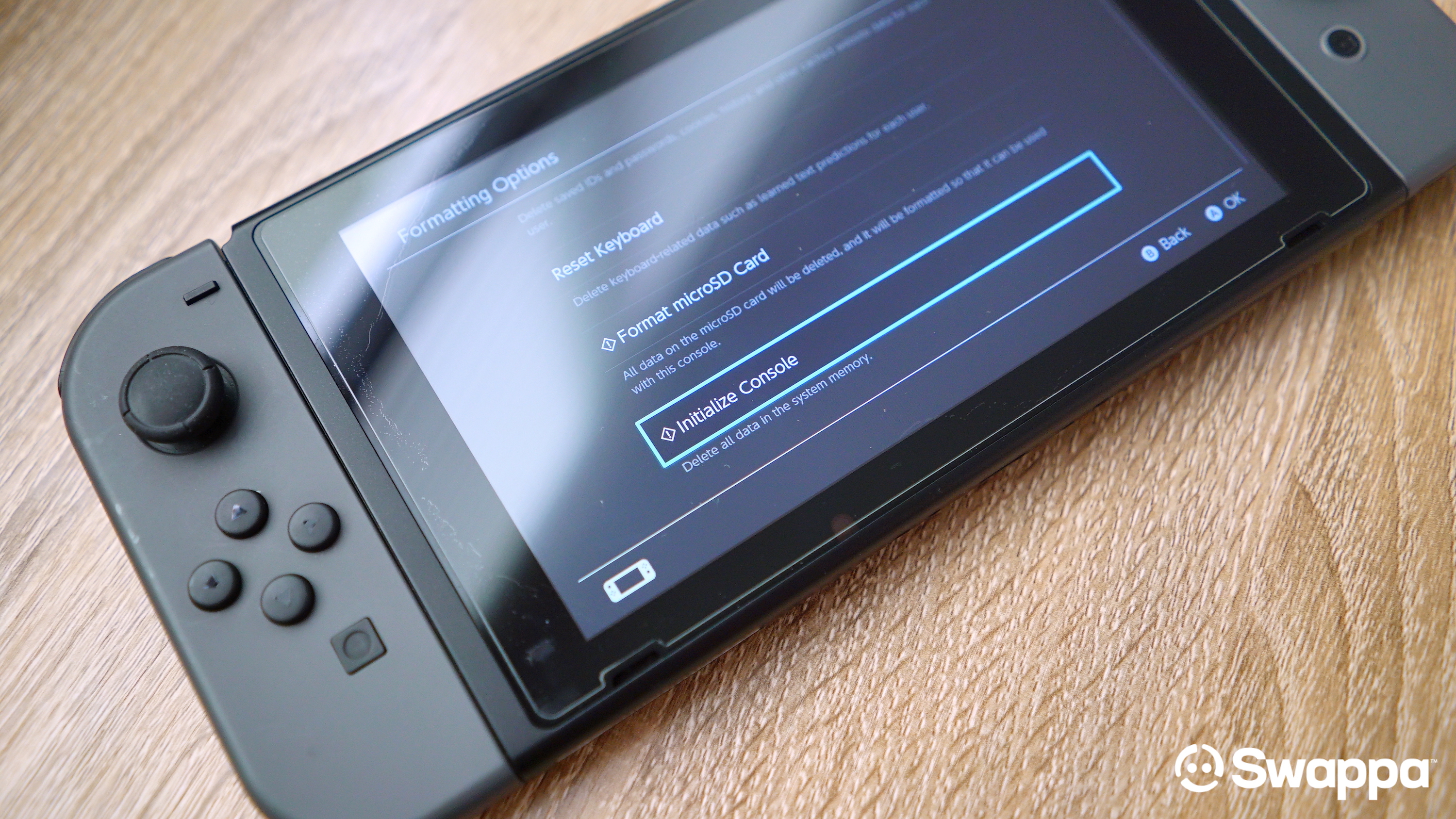
When getting your Nintendo Switch ready to sell, by far the most important step is making sure all your user data has been erased, and wiped clean from the device.
Deleting all your user information on the Nintendo Switch — otherwise known as performing a factory reset — is crucial to ensure the new owner doesn’t have access to your Nintendo account and all the information therein. This should be done whenever you decide to sell, exchange, or dispose of your Nintendo Switch console.
What’s the big deal? Well, the last thing you want to see on your bank statement are charges for games someone else made on your account — not fun. Don’t worry, performing a wipe, reset, or restoring a Nintendo Switch to its original factory settings is extremely easy.
How to restore Nintendo Switch to its factory settings
- From the Home menu, open System Settings (gear icon).
- Select System from the side menu.
- Tap on Formatting Options.
- Select Restore Factory Settings.
Everything that will be erased during a factory reset:
- Software data
- Save data
- Screenshots
- User information
- Nintendo Account link
- Registration of your console as the active console for downloads for your Nintendo Account (only when connected to the internet).
- All settings on the console
- All information records such as error history
- Game software/data saved on a microSD card will no longer be usable (screenshots will be safe, however).
Sell your Nintendo Switch on Swappa
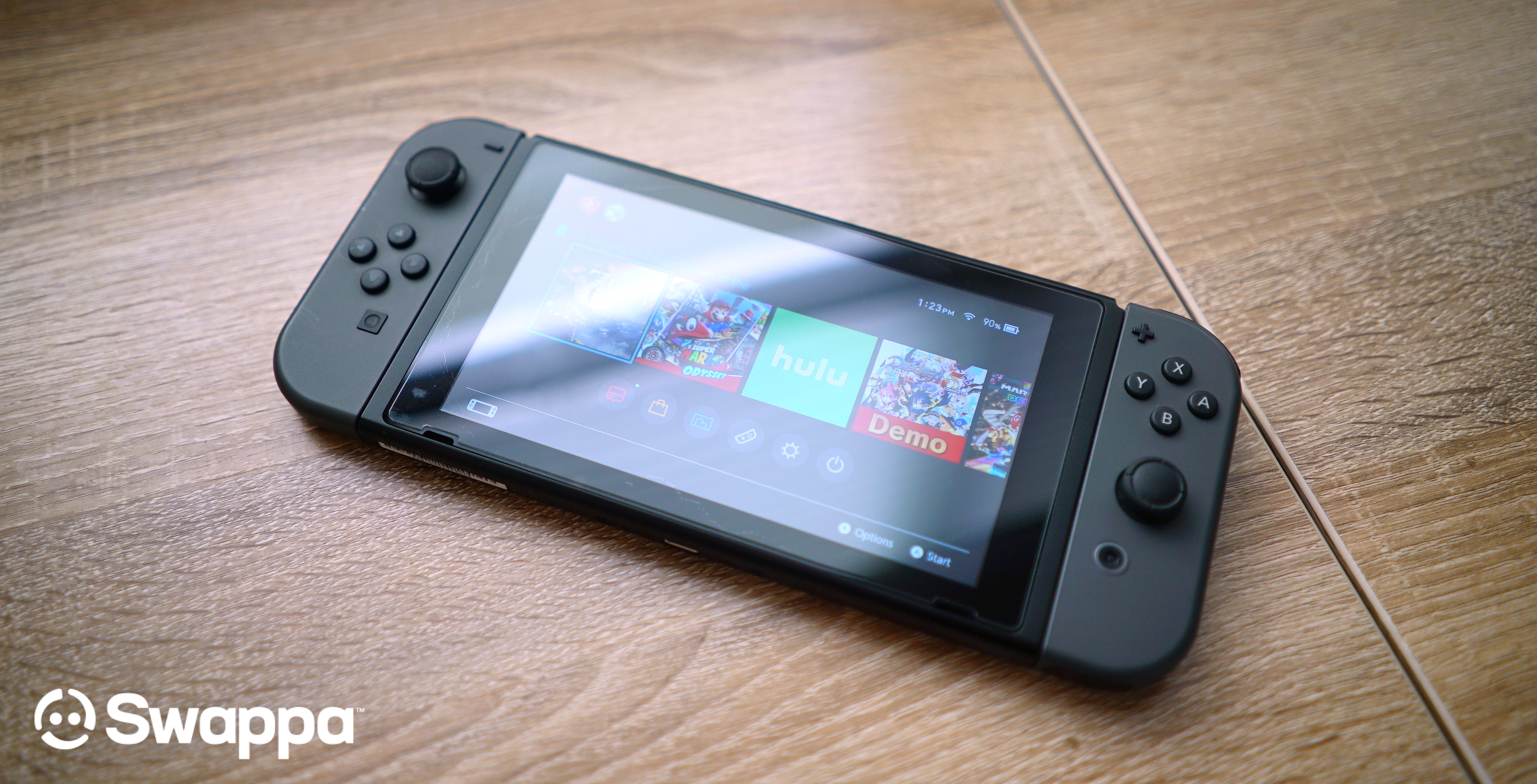
So you’ve successfully gotten your Nintendo Switch ready for its new owner… now what? If you’re looking to sell your Nintendo Switch online, you’re already in the right place — Swappa, the safest marketplace to sell your gently used tech.
Our human-powered, community-driven marketplace not only ensures you get the best possible price for your hardware, and thanks to Swappa’s fair fees, more money stays in your pocket — right where it should be. To get started, all you have to do is hit up one of the links below to start saving some time and fattening up your wallet.