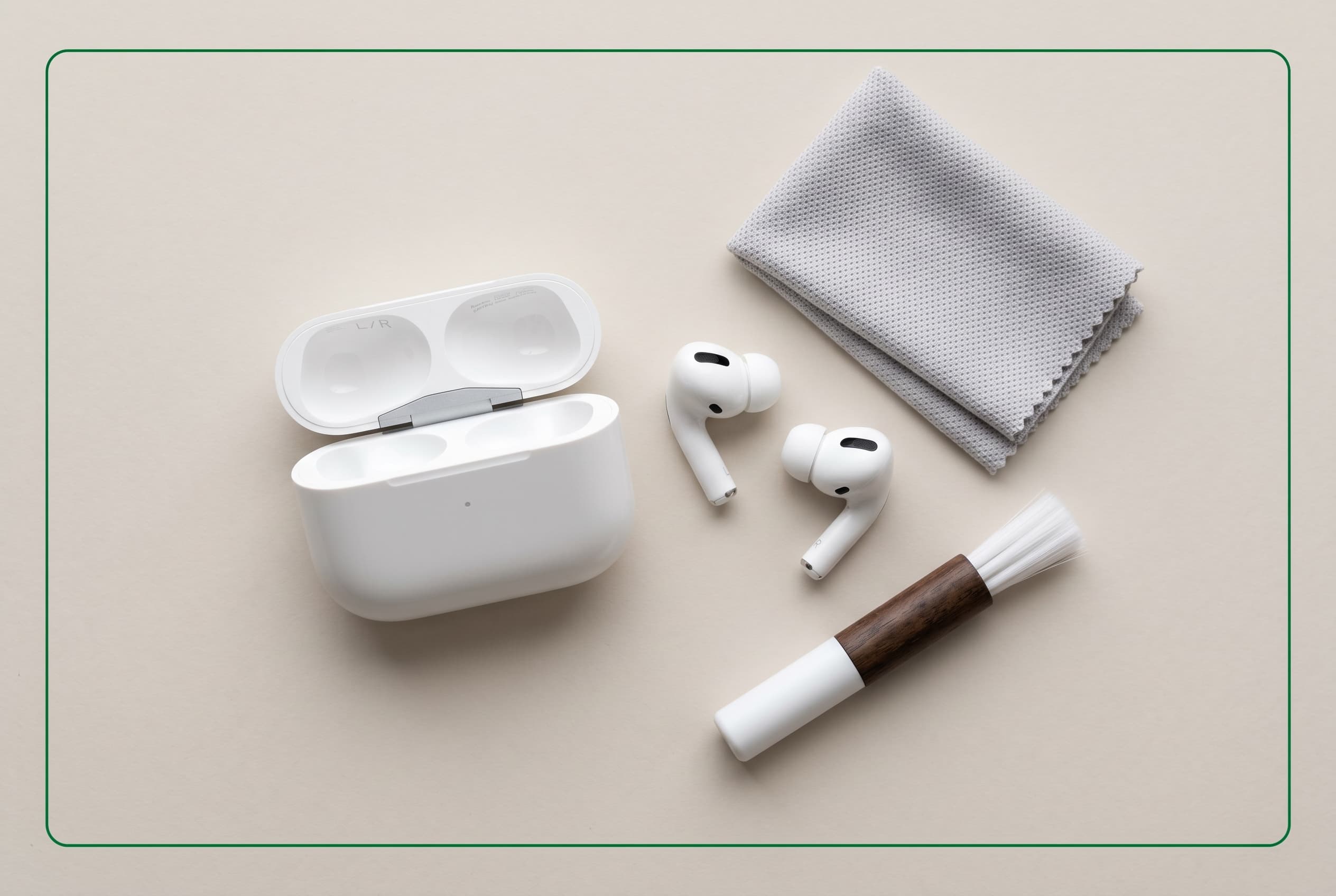
Dirty AirPods aren’t just gross — they sound worse, fit worse, and sell for less. This guide covers how to clean every AirPods model (including AirPods Pro and AirPods Max) without damaging the speaker mesh, ear tips, or charging case.
Quick Answer
Wipe the exterior with a dry lint-free cloth. Use a dry cotton swab or soft-bristle brush on the speaker mesh. For AirPods Pro, remove the ear tips and rinse with water. Never use liquids near the mesh or charging contacts. A clean pair takes about five minutes per session and makes a real difference in sound quality and resale value.
Selling your AirPods? Shop or list verified AirPods on Swappa – human reviewed listings with low, low fees.
What You Need to Clean AirPods
You don’t need a kit. Most of this is already at home:
- Soft, lint-free cloth (microfiber works best)
- Cotton swabs (dry)
- Soft-bristle toothbrush
- Wooden or plastic toothpick
- Poster putty (Blu-Tack or similar)
- Fresh water (for AirPods Pro ear tips only)
What to avoid: rubbing alcohol on mesh or ear tips, compressed air, sharp metal tools, paper towels (too abrasive), and any liquid near charging contacts or speaker openings.
How to Clean Standard AirPods (AirPods 4, AirPods 3, AirPods 2, AirPods 1)
The in-ear stem design on standard AirPods collects earwax at the speaker mesh on the tip and skin oils along the stem. Here’s the process:
Speaker mesh (the most important part):
- Hold the AirPod mesh-side down so debris falls out rather than in.
- Gently brush the mesh with a dry, soft-bristle toothbrush using circular strokes.
- Press a small piece of poster putty firmly against the mesh, then pull straight off. Repeat until the mesh looks clear.
- Use a dry cotton swab to clean around the mesh border.
Stem and exterior:
- Wipe the stem and body with a dry or barely-damp lint-free cloth.
- Use a dry cotton swab to get into the microphone port openings.
- Let air-dry completely before putting back in the case.
How to Clean AirPods Pro (1st and 2nd Generation)
AirPods Pro have removable silicone ear tips, which makes them easier to clean thoroughly — but the in-ear seal also means earwax buildup happens faster.
Ear tips:
- Pinch the ear tip and pull it off the AirPod.
- Rinse with fresh water only (no soap, no alcohol).
- Dry thoroughly with a lint-free cloth and let air-dry before reattaching. Apple specifically says not to reattach wet ear tips.
Speaker mesh (same process as standard AirPods):
Use the toothbrush + poster putty method with the mesh facing down. The mesh on AirPods Pro is smaller and more recessed, so a toothpick can help dislodge anything compacted at the edges — go gently.
Ear tip sizing note: While the ear tips are off, it’s a good time to check whether you’re using the right size. Poor seal equals poor sound isolation and worse bass response.
How to Clean AirPods Max
AirPods Max are a different animal: over-ear cushions, a stainless steel headband, and a mesh canopy mean more surface area and different materials.
Ear cushions:
The magnetic ear cushions on AirPods Max can be removed for cleaning. Detach them by pressing the oval-shaped indentation and rotating. Wipe the cushion surface with a cloth lightly dampened with water. For heavier buildup, Apple allows a small amount of dish soap in the water — but wring the cloth nearly dry first and don’t soak the cushion. Air-dry fully before reattaching.
Headband mesh canopy:
Dampen a lint-free cloth with water and wipe in gentle circular motions. Don’t press hard — the knit canopy is durable but not indestructible. Avoid any cleaning product on the mesh.
Stainless steel and aluminum:
A dry or barely-damp cloth handles fingerprints and oils on the metal frame. Dry immediately after any moisture contact.
How to Clean the AirPods Charging Case
The case takes a beating — pocket lint, earwax transferred from the AirPods, and the Lightning, USB-C, or MagSafe port all need attention.
| Part | Method |
|---|---|
| Exterior | Dry or barely-damp lint-free cloth |
| Interior (bud cavities) | Dry cotton swab; toothpick for compacted lint |
| Charging port (Lightning / USB-C) | Dry toothpick to clear lint; never liquid |
| MagSafe charging area | Dry cloth; avoid anything abrasive on the magnet ring |
| Hinge area | Dry cotton swab to clear debris from the gap |
The charging port on older Lightning cases is a common lint trap. A wooden toothpick (not metal) used at a shallow angle clears it without damaging the contacts.
How Often Should You Clean AirPods?
There’s no single schedule that fits everyone, but here’s a practical baseline:
- Mesh and exterior: Every 1–2 weeks with regular daily use
- AirPods Pro ear tips: Weekly if you work out with them; every 2 weeks otherwise
- Charging case interior: Every 2–3 weeks
- AirPods Max cushions: Monthly or whenever you notice buildup
Heavy gym users should clean more often — sweat accelerates wax and debris accumulation in the mesh and degrades silicone ear tips over time.
Cleaning AirPods Before You Sell Them on Swappa
If you’re upgrading to a newer model and want to sell your AirPods, cleaning them properly before listing is one of the highest-ROI moves you can make. A pair that looks well-maintained signals care and increases buyer confidence.
Before listing on Swappa:
- Clean the mesh, exterior, and case using the steps above.
- Check that the ear tips (AirPods Pro) aren’t cracked or discolored. Replacement ear tip sets are cheap and can make a used pair look close to new.
- Sign out of your Apple ID and disable Find My to avoid Activation Lock issues — this is a common reason Swappa listings get flagged.
- Check battery health in Settings if you’re on iPhone. Buyers ask, and being upfront about it builds trust.
- Take photos in good light once everything is clean.
Swappa’s staff reviews every listing before it goes live, so condition accuracy matters. Clean gear sells faster and at better prices.
Frequently Asked Questions
Can I use alcohol wipes to clean AirPods?
Apple allows 70% isopropyl alcohol wipes on the hard, non-porous exterior surfaces of AirPods and the charging case — but not on the speaker mesh, microphone mesh, or silicone ear tips. Alcohol degrades silicone over time and can damage the mesh coating.
Why do my AirPods sound muffled after cleaning?
Usually means moisture got into the mesh or the mesh wasn’t fully cleared. Hold them mesh-side down and let them dry completely — at least 30–60 minutes. If muffled sound persists, earwax may still be compacted in the mesh. The poster putty method often fixes what the brush misses.
Do dirty AirPods affect sound quality?
Yes. Earwax and debris physically block the speaker output, reducing high frequencies and overall clarity. It’s one of the most common reasons AirPods gradually seem to get quieter — cleaning often brings them back to normal.
Can I clean AirPods Pro ear tips with soap?
Apple says water only for the silicone ear tips. Soap can leave residue and may accelerate degradation of the silicone material. Water and a thorough dry is sufficient.
How do I know if it’s time to replace ear tips on AirPods Pro?
If the silicone is visibly cracked, stiff, discolored, or no longer forms a consistent seal, it’s time. Apple sells replacement ear tip sets (XS, S, M, L), and third-party options are widely available for less.
Does Swappa accept used AirPods in any condition?
Swappa approves used AirPod listings in good working condition. They need to power on, connect, and play audio. Cosmetic wear is fine as long as it’s accurately disclosed in the listing.
The Bottom Line
Cleaning AirPods takes five minutes and makes a measurable difference — better sound, longer lifespan, and higher resale value when it’s time to upgrade. The mesh is the most important part to keep clear, and the poster putty trick is the most effective method most people haven’t tried.
If you’re in the market for a used pair, browse verified AirPods listings on Swappa — every listing is staff-reviewed before going live. And if you’re upgrading, listing your old AirPods on Swappa is straightforward and reaches real buyers who want exactly what you’re selling.