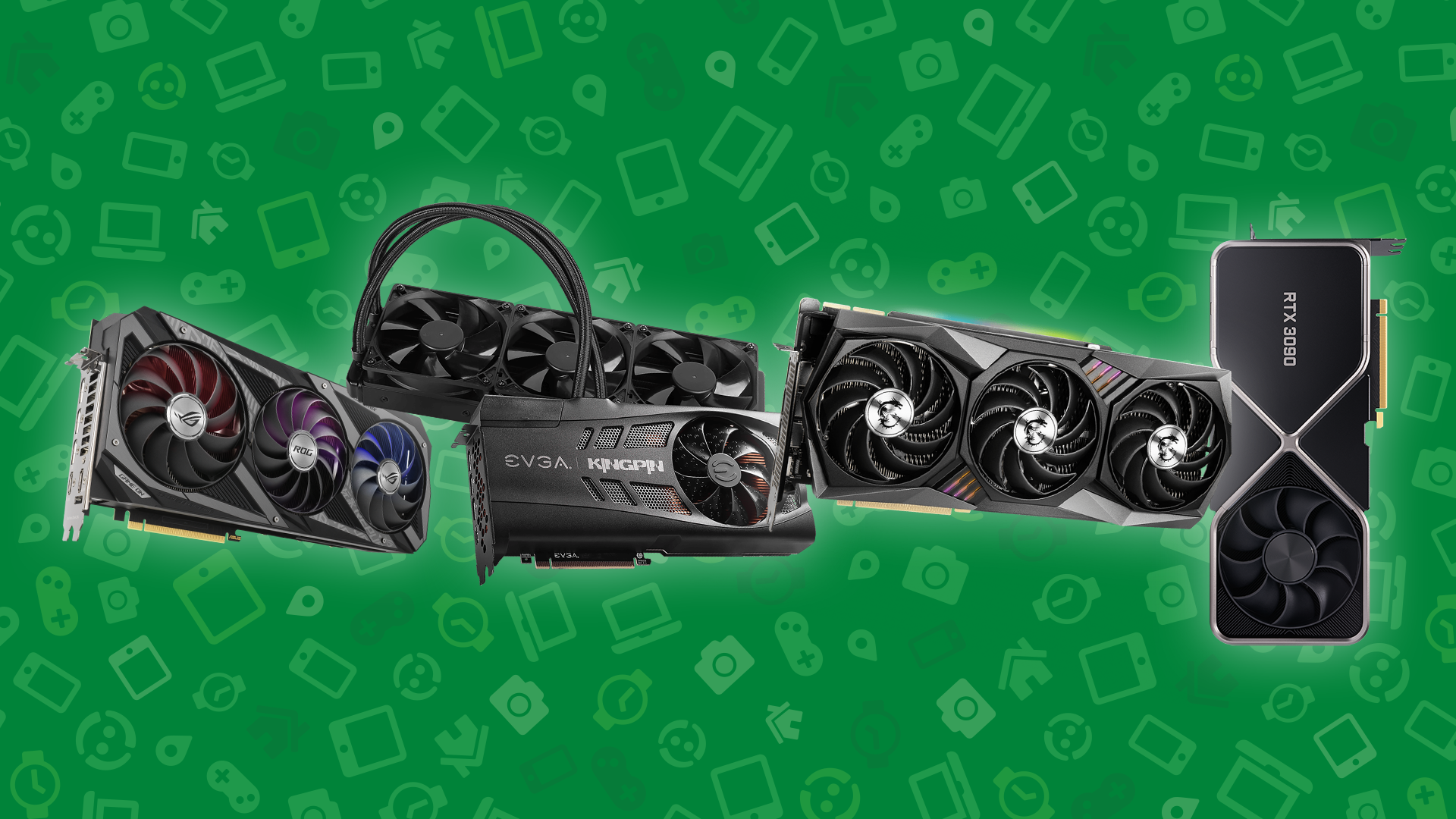
A graphics card is the most expensive part of most gaming PCs, and in 2026 it is also the part most likely to cost more than it did at launch. That makes the used market worth a look, as long as you know what to check. This guide covers which used GPUs make sense right now, the checks to run before you buy, how to test a card when it arrives, and how to sell your old card on Swappa.
Quick Answer
Buying a used GPU is safe when the marketplace verifies listings and protects your payment, and when you check the right things: the exact model and VRAM, the power connector, driver support, and the seller’s photos. Test the card under load as soon as it arrives so you can report a problem right away. On Swappa, graphics cards are listed as New or Used, listings are reviewed by staff, and payments run through PayPal with buyer and seller protection.
Browse used graphics cards on Swappa.
Is a Used Graphics Card Worth It in 2026?
For many buyers, yes. Memory prices have climbed sharply as AI data centers buy up DRAM and graphics memory, and many new cards have been selling above their launch prices this year. A used card from the previous generation often delivers most of the performance of a new one for less.
Two things have changed since the last GPU shortage:
- Crypto mining is no longer the main risk. Ethereum stopped using GPU mining in September 2022, which ended the flood of worn mining cards. Ex-mining cards still turn up, and they are not automatically bad, but they are no longer the default used GPU.
- Driver support now matters. Nvidia ended Game Ready drivers for the GTX 10 series and older in October 2025. Those cards get quarterly security updates through October 2028, but no new game optimizations. AMD moved the RX 5000 and RX 6000 series to a maintenance-mode driver branch in late 2025 and has said they will keep getting game support and security fixes.
The practical takeaway: a used RTX 30, RTX 40, RX 6000, or RX 7000 card can be a good buy. A GTX 10-series card, however cheap, is now a card for older games.
Used GPU Tiers at a Glance
Match the card to the resolution you play at. VRAM matters more than it used to: plan on at least 12GB for new games at 1440p.
| Tier | Target | Cards to Look For | VRAM | Launch Price |
|---|---|---|---|---|
| Budget | 1080p | GeForce RTX 3060 12GB, Radeon RX 6700 XT, Intel Arc B580 | 12GB | $249 to $479 |
| Midrange | 1440p | GeForce RTX 4070 Super, RTX 5070, Radeon RX 7800 XT, RX 9070 | 12GB to 16GB | $499 to $599 |
| High end | 1440p high refresh or 4K | GeForce RTX 4080 Super, RTX 5070 Ti, Radeon RX 9070 XT, RX 7900 XTX | 16GB to 24GB | $599 to $999 |
| Enthusiast | 4K and AI work | GeForce RTX 5080, RTX 4090, RTX 5090 | 16GB to 32GB | $999 to $1,999 |
Launch prices are the original US MSRPs, shown for reference. What matters when you buy is how a used listing compares with what the same card costs new today.
Gaming on the go instead? Used Handheld Gaming PCs: Steam Deck vs. ROG Ally vs. Legion Go compares the handhelds.
What Used GPUs Cost on Swappa Right Now
Swappa’s catalog covers more than 400 graphics cards from Nvidia, AMD, and Intel. Here is a snapshot of live listings when we checked on September 23, 2026.
| Card | Listed on Swappa | Launch Price |
|---|---|---|
| AMD Radeon RX 6700 XT Reference Edition | $279 | $479 |
| XFX Radeon RX 7800 XT | $556 | $499 |
| XFX Radeon RX 9070 XT | $742 | $599 |
| Sapphire Radeon RX 7900 XTX | $927 | $999 |
| ASUS GeForce RTX 4080 Super | $999 | $999 |
| PNY GeForce RTX 4090 | $1,751 | $1,599 |
These are individual listings, not averages, and they change quickly. Some used cards now list at or above their original launch price because new prices have risen, so compare every listing with today’s new price before you buy. Check each card’s page on Swappa’s price guide for recent sales.
Shop Used Graphics Cards on Swappa
7 Checks Before You Buy a Used GPU
- Confirm the exact model and memory. Many cards come in versions that look alike but perform differently, such as the RTX 3080 10GB and 12GB or the RTX 4060 Ti 8GB and 16GB. Match the model and VRAM in the listing to the card you want.
- Study the photos. Look for bent cooling fins, cracked or wobbly fans, missing screws, scratches on the circuit board, and a warped or sagging card. If the listing does not show something you care about, ask the seller in the comments.
- Inspect the power connector on high-end cards. Many RTX 40 and RTX 50 series cards use the 16-pin 12VHPWR connector or its revised 12V-2×6 version, which has had melting problems when the plug is not fully seated. Ask for a close-up photo of the connector, and pass on any card with discoloration or deformed pins.
- Check driver support. Skip GTX 10-series and older cards for new games. RTX 20 series and newer, RX 5000 series and newer, and Intel Arc cards are still in active driver branches.
- Ask about its history. Was it used for mining, rendering, or heavy overclocking? None of these is a deal breaker, but worn fans and dried thermal pads are more likely on a card that ran around the clock.
- Make sure it fits your PC. Check the card’s length and slot width against your case, and confirm your power supply has the wattage and connectors the card needs.
- Read the warranty terms. Manufacturer warranties vary. Some are tied to the original purchaser or require a receipt, so do not assume coverage carries over to you.
For red flags that apply to any used tech, see How to Avoid Used Electronics Scams.
What to Do When Your Used GPU Arrives
Test the card the day it arrives, so you can report a problem while the details are fresh.
- Confirm it is genuine. Run GPU-Z, which reads the actual chip, memory size, and memory type from the card. Compare them with the manufacturer’s specs. Relabeled and fake cards exist, and GPU-Z catches most of them.
- Run a stress test for 20 to 30 minutes. 3DMark, Unigine Superposition, or FurMark all work. Watch for artifacts (flickering, colored dots, or lines), crashes, and driver resets.
- Watch temperatures and fans. Use a monitoring tool such as MSI Afterburner or HWiNFO. Temperatures should level off during the test, not keep climbing, and the fans should not rattle or grind.
- Play something demanding. A benchmark is a start, but an hour in a game you know shows how the card behaves in real use.
If the card does not match the listing or fails Swappa’s listing criteria, you are entitled to a refund. Contact the seller through the sale page and reach out to Swappa’s support team, which is available 24/7/365. Marketplace Buyer Protection: How It Works explains the process.
How to Sell a Graphics Card on Swappa
Supply of used graphics cards on Swappa is thin compared with phones and laptops, so a well-priced, well-photographed card faces little competition.
- Pick the condition. Graphics cards on Swappa are listed as New (unopened, factory sealed) or Used. Only the card itself is required. The retail box and manuals are optional, though a box helps it sell.
- Make sure it qualifies. The card must be fully functional, with no structural damage, and it cannot be a recalled, pre-production, or “Not for Resale” unit.
- Clean it and take clear photos. Blow out the dust, then photograph the front, back, fans, ports, and power connector in good light.
- Price it with real data. Check the card’s page on Swappa’s price guide and compare it with current new prices. How Much Is My Used Device Worth? walks through the method.
- Know the fees. Swappa charges sellers 3% of the Ask Price, and the buyer’s 3% fee is already built into the listing price. PayPal payment processing is 3.49% plus $0.49. Selling fees are lower than other auction-site fees, and creating a listing is free.
Ready to list? Sell your graphics card on Swappa.
How to Pack and Ship a Graphics Card
- Take it out of the PC. A heavy card installed in a tower can snap its slot in transit. Shipping Large Electronics: Monitors, TVs & Desktops covers shipping a whole desktop if you are selling one.
- Use an anti-static bag, then the original box if you have it.
- Otherwise, box it twice. Wrap the bagged card in bubble wrap, put it in a snug inner box, and place that inside a larger box with 2 inches of cushioning on every side.
- Ship on time with coverage. Swappa sellers ship within two business days of payment, by ground, with tracking and insurance for the full sale price. How to Pack Electronics for Shipping has the full method.
Why Buy and Sell GPUs on Swappa
On open marketplaces, graphics cards attract scams: stolen photos, fake or relabeled cards, and sellers who push you to pay outside the platform. Swappa is built to keep those out.
- Listings are reviewed by staff before they go live.
- Payments run through PayPal, with buyer and seller protection, so you never pay a stranger by Zelle or wire. Why You Should Never Pay Outside a Marketplace explains why that matters.
- Human support is available 24/7/365, with a typical response in about 20 minutes.
- Fees are simple: 3% from the buyer, already included in the listing price, and 3% from the seller.
For a platform comparison, see Swappa vs. eBay for Selling Tech.
FAQ
Is it safe to buy a used graphics card?
Yes, if you buy through a marketplace that reviews listings and protects your payment, and you check the card before and after you buy. Confirm the exact model and VRAM, inspect photos of the fans, circuit board, and power connector, and test the card under load as soon as it arrives so you can report any problem right away.
Should I avoid a GPU that was used for mining?
Not automatically. Mining runs a card constantly, which wears fans and thermal pads, but many mining cards were run at reduced power and kept cool. Ethereum stopped using GPU mining in September 2022, so ex-mining cards are less common now. Ask the seller about the card’s history, check that the fans spin quietly, and stress test it on arrival.
How do I test a used GPU after buying it?
Run GPU-Z to confirm the chip, memory size, and memory type match the listing, then run a 20 to 30 minute stress test with 3DMark, Unigine Superposition, or FurMark while watching temperatures in a tool like MSI Afterburner or HWiNFO. Look for artifacts, crashes, rising temperatures, or noisy fans, and play a demanding game for an hour.
Is a GTX 1080 Ti still worth buying in 2026?
Only for older games. Nvidia ended Game Ready driver support for the GTX 10 series in October 2025, so the GTX 1080 Ti no longer gets optimizations for new games, although it receives quarterly security updates through October 2028. For new games, a used RTX 3060 12GB, Radeon RX 6700 XT, or newer card is the better buy.
Do I need the original box to sell a GPU on Swappa?
No. For a used graphics card, Swappa only requires the card itself. The retail box and manuals are optional. To list a card as New, it must be in its unopened, factory sealed retail packaging.
What fees does Swappa charge to sell a graphics card?
Swappa charges sellers 3% of the Ask Price, and buyers pay a 3% fee that is already included in the listing price. Sellers also pay PayPal payment processing of 3.49% plus $0.49. Creating a listing is free, and selling fees are lower than other auction-site fees.
Conclusion
A used graphics card is one of the best ways to upgrade a gaming PC in 2026, as long as you buy a card that still gets driver support, check the power connector and photos, and test it the day it arrives. If you are upgrading, selling your old card on Swappa puts money toward the new one, with staff-reviewed listings, PayPal protection, and human support behind every sale.