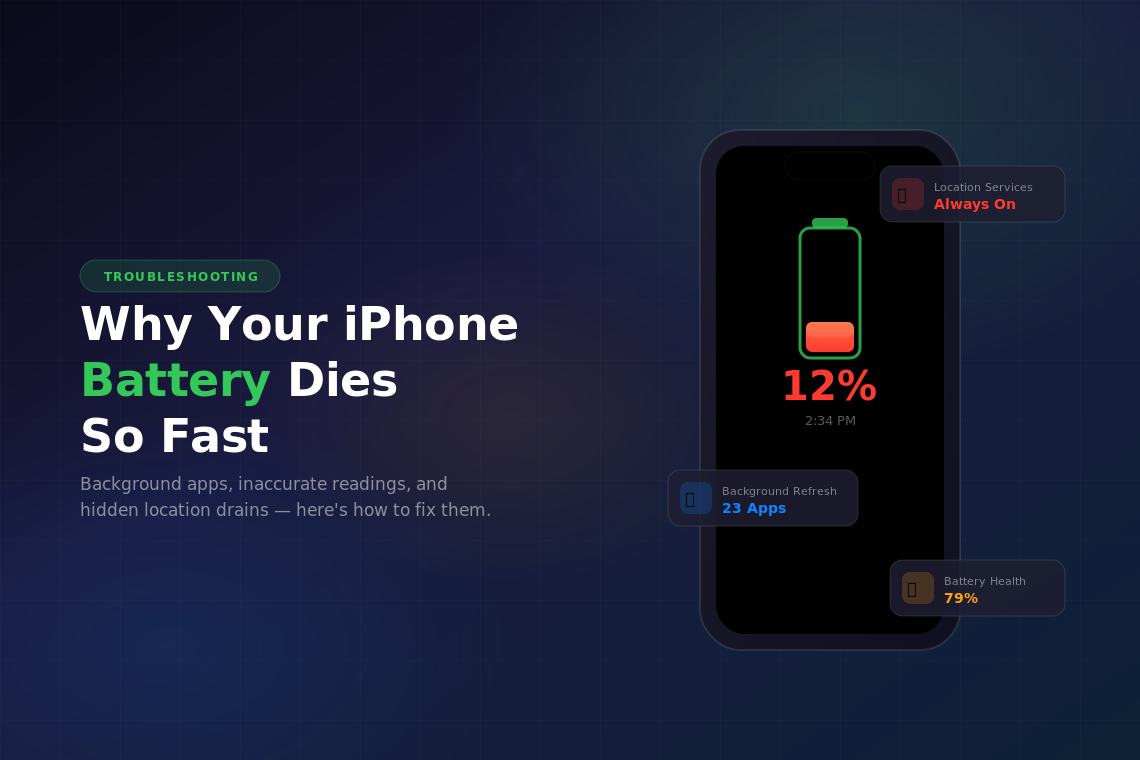
If you’ve ever looked down at your phone mid-afternoon and seen 12% staring back at you, you’re not alone. Battery drain is probably the single most complained-about iPhone issue out there and it’s been that way for years. The good news is that most of the time, it’s fixable without a trip to the Apple Store.
Let’s walk through the big culprits and what you can do about each one.
Something Is Eating Your Battery in the Background
Nine times out of ten, the reason your battery tanks before dinner is an app (or several) quietly doing work behind the scenes. Social media apps are notorious for this. They refresh feeds, pull in notifications, and track your location even when you’re not using them.
Here’s what to do: Open Settings > Battery and scroll down. You’ll see a breakdown of which apps used the most power over the last 24 hours or 10 days. If something looks way out of proportion, like a weather app using 30% of your battery, that’s your problem.
From there, head to Settings > General > Background App Refresh and turn it off for anything that doesn’t absolutely need it. You don’t need Instagram refreshing itself while you sleep.
A few other quick wins: drop your screen brightness a notch or two, turn off the always-on display if you have one, and flip on Low Power Mode when you know you’ll be away from a charger for a while. None of these are groundbreaking, but stacked together they make a real difference.
Your Battery Percentage Is Lying to You
This one is more annoying than anything. You’re at 40%, you open the camera for a quick photo, and suddenly you’re at 18%. Or your phone dies at 6% one day and hangs on to 1% for an hour the next.
Jumpy battery readings usually mean one of two things: your battery is old and degraded, or it just needs a recalibration.
Check your battery health first. Go to Settings > Battery > Battery Health & Charging. If the maximum capacity is under 80%, your battery is worn out and Apple considers it ready for replacement. That degradation is why the percentage readings get unreliable. The phone is basically guessing how much juice is left in a battery that doesn’t behave predictably anymore.
If your battery is kaput, find one on Swappa.
If your battery health looks fine and the readings are still wonky, try a full recalibration. Use the phone until it dies completely on its own (don’t force a shutdown). Then charge it straight to 100% without interrupting the charge. This gives the system a fresh read on the battery’s actual range. It’s not magic, but it helps.
Location Services Are Quietly Draining You
Here’s one that a lot of people miss. A surprising number of apps request “Always” access to your location; and many of them have no good reason for it. Every time an app pings your GPS in the background, that’s battery you’re not getting back.
Go to Settings > Privacy & Security > Location Services and take a look at the list. For most apps, “While Using the App” is the right setting. Your food delivery app needs your location when you’re ordering, not at 3 AM. Same goes for shopping apps, social media, and pretty much anything that isn’t a navigation tool.
You’ll also see a list of system services at the bottom of that screen. Things like “Significant Locations” and “iPhone Analytics” use location data too. You can safely turn most of those off without noticing any difference in how your phone works.
If you do all three of these things, clean up background app usage, recalibrate your battery, and lock down location access, you’ll probably be surprised at how much longer your phone lasts. And if none of it helps? That’s when it’s time to look into a battery replacement. They’re cheaper than you’d think and make an older iPhone feel brand new.